Click on any of the small pictures in order to see bigger images. Once clicked on, many of the images can be paged through by hovering the pointer over the left and right sides near the top of each larger image and clicking with your mouse to get to the next or the previous image.
Be sure to check out the next page too, to see an interactive Adobe Flash demonstration that I adapted from a class project in order to use on this Yola Web Site.
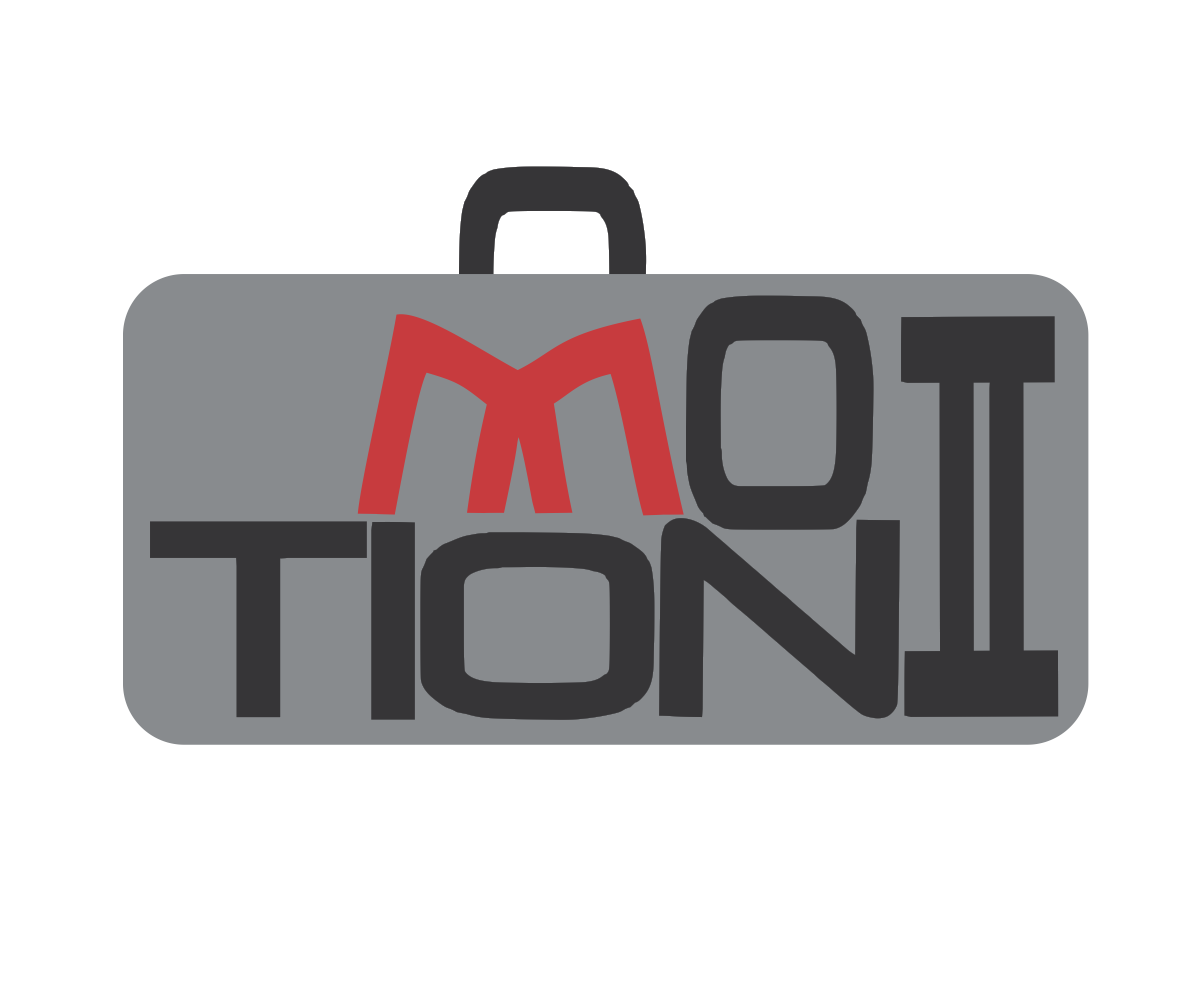
Logo for Monolith GmbH through designcrowd.com
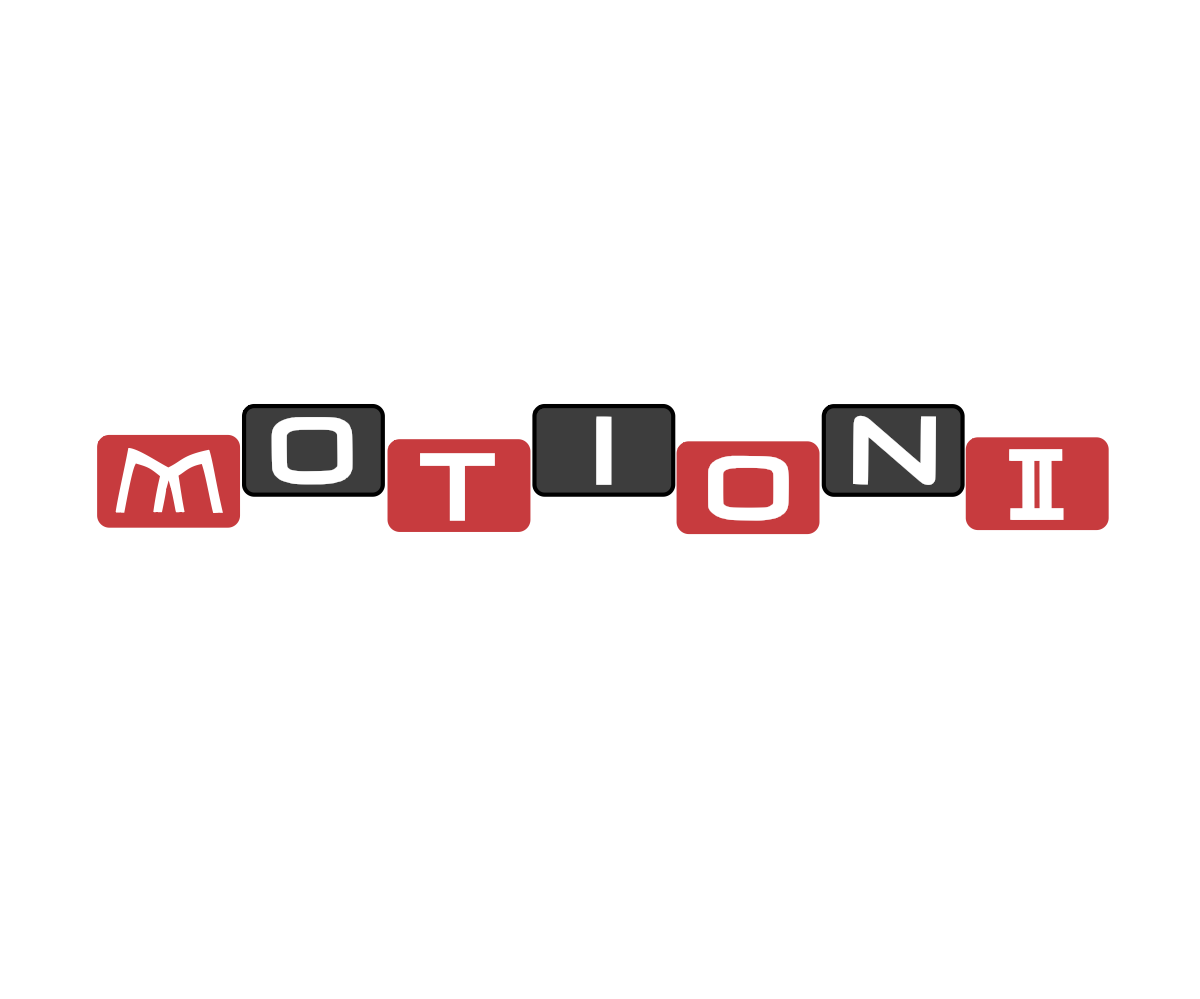
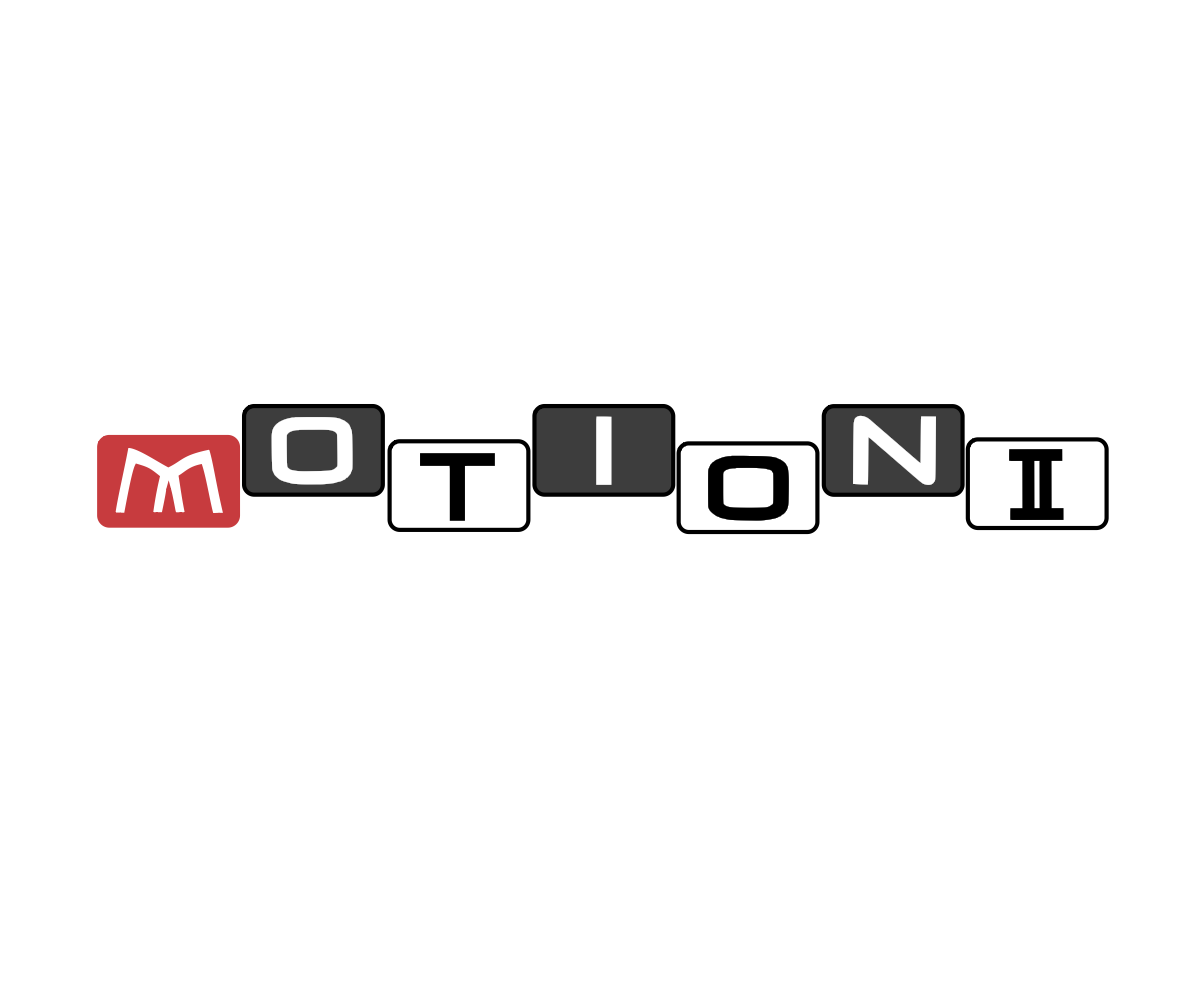
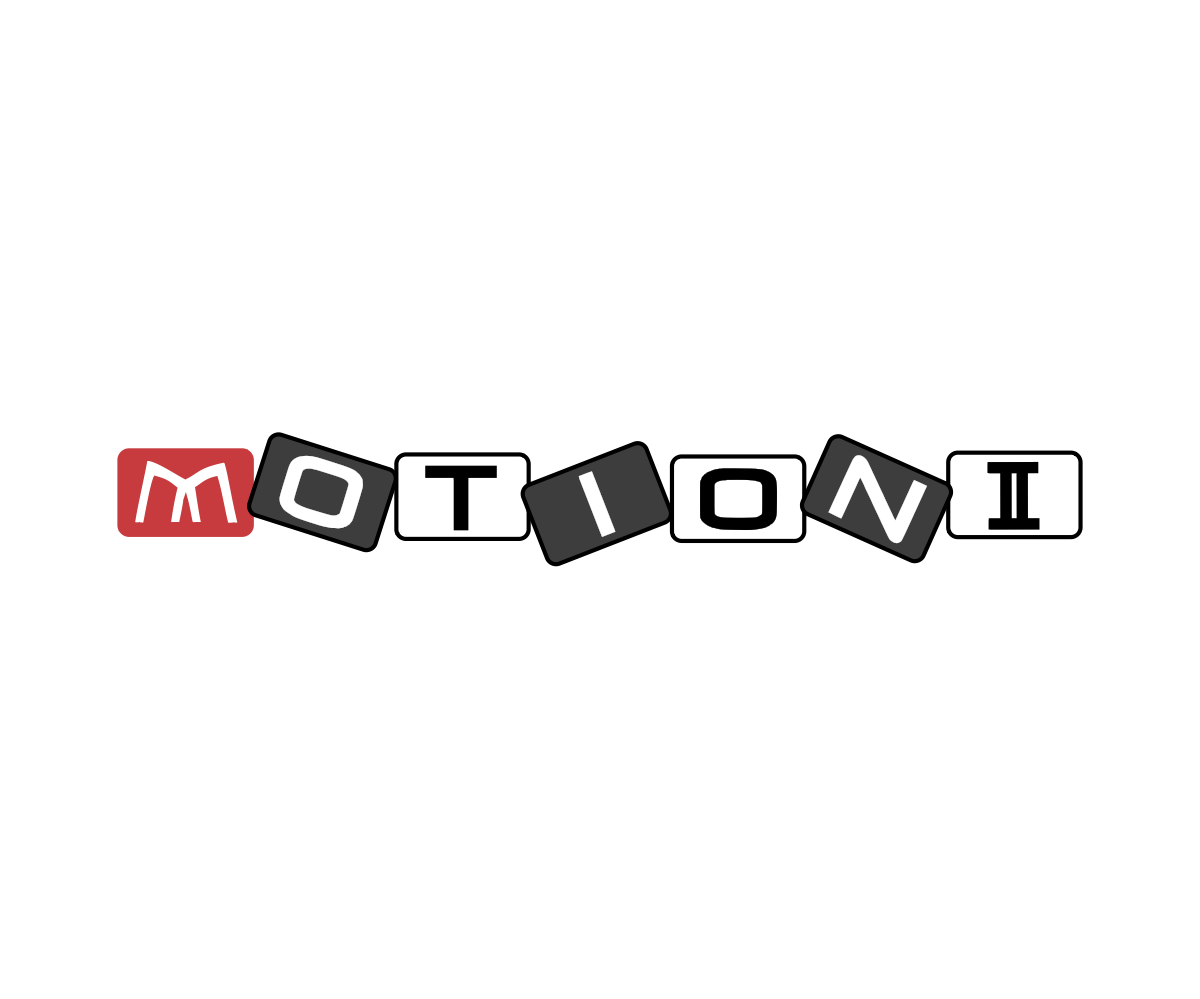
This company needed a logo for their new line of luggage, Motion II. They posted their job on designcrowd.com and several people submitted entries. One of my entries happened to be the logo that was closest to what Monolith GmbH wanted. I made the changes that they asked for, and the result is on the right. Below are the original ideas I had for the line of luggage logo. On the very bottom is the logo that already existed for Monolith GmbH.
Documents Using Serif Draw Plus
Serif DrawPlus is a relatively inexpensive vector-basedprogram for graphic designers.
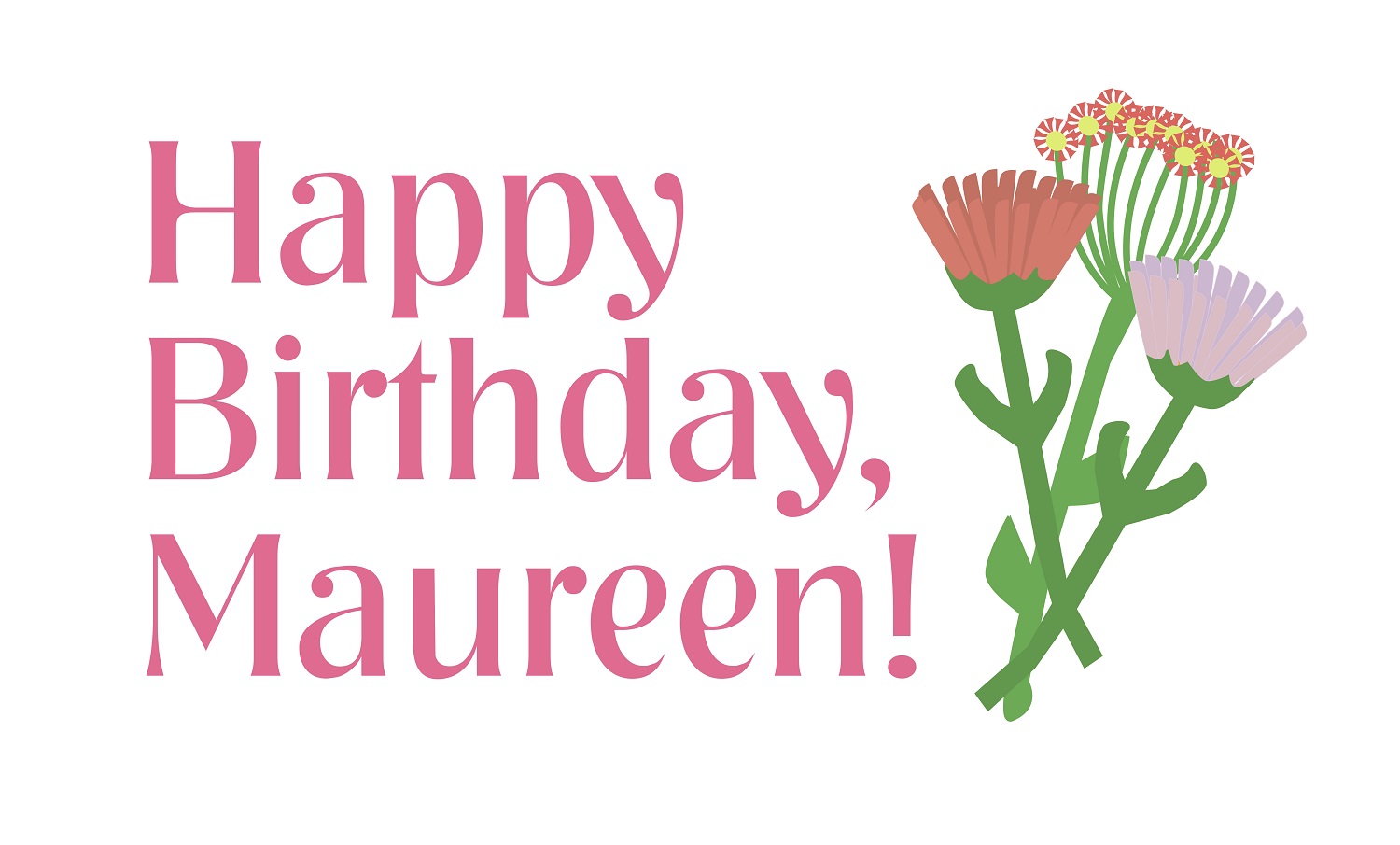
The flower and fans were done by manipulating a simple drawing of a heart.
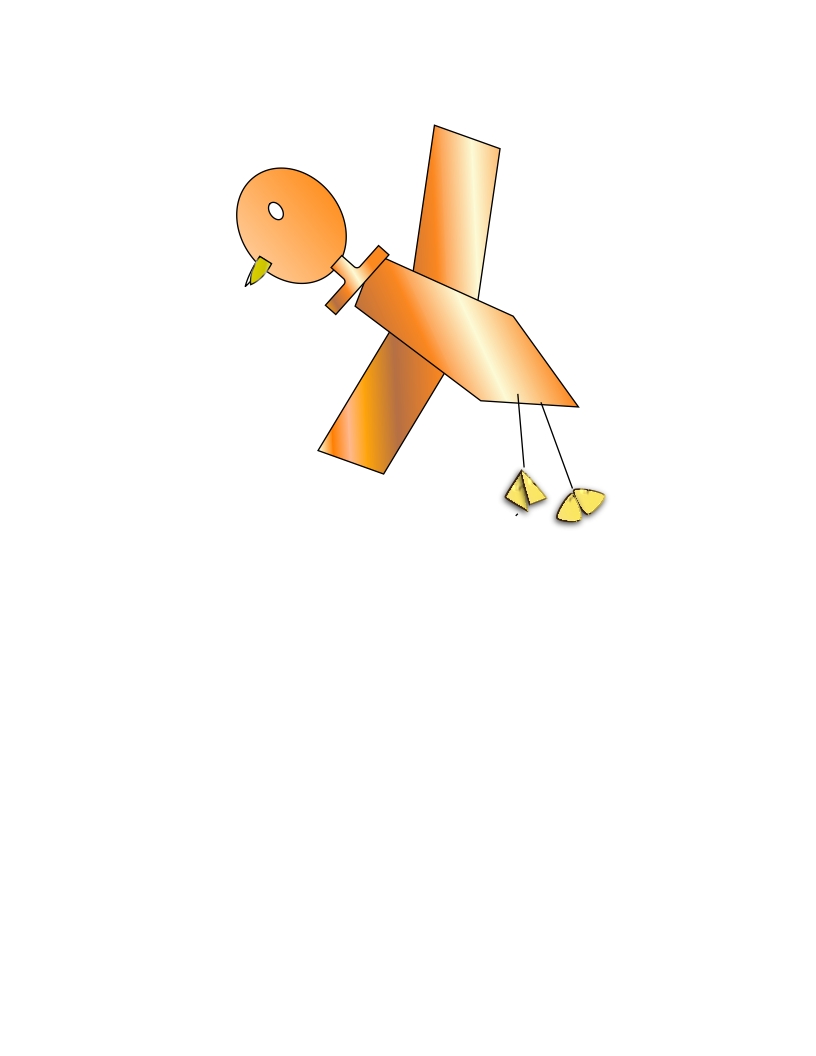
The cartoon duck is composed of basic shapes and like the flower and fans is colored in with gradients.
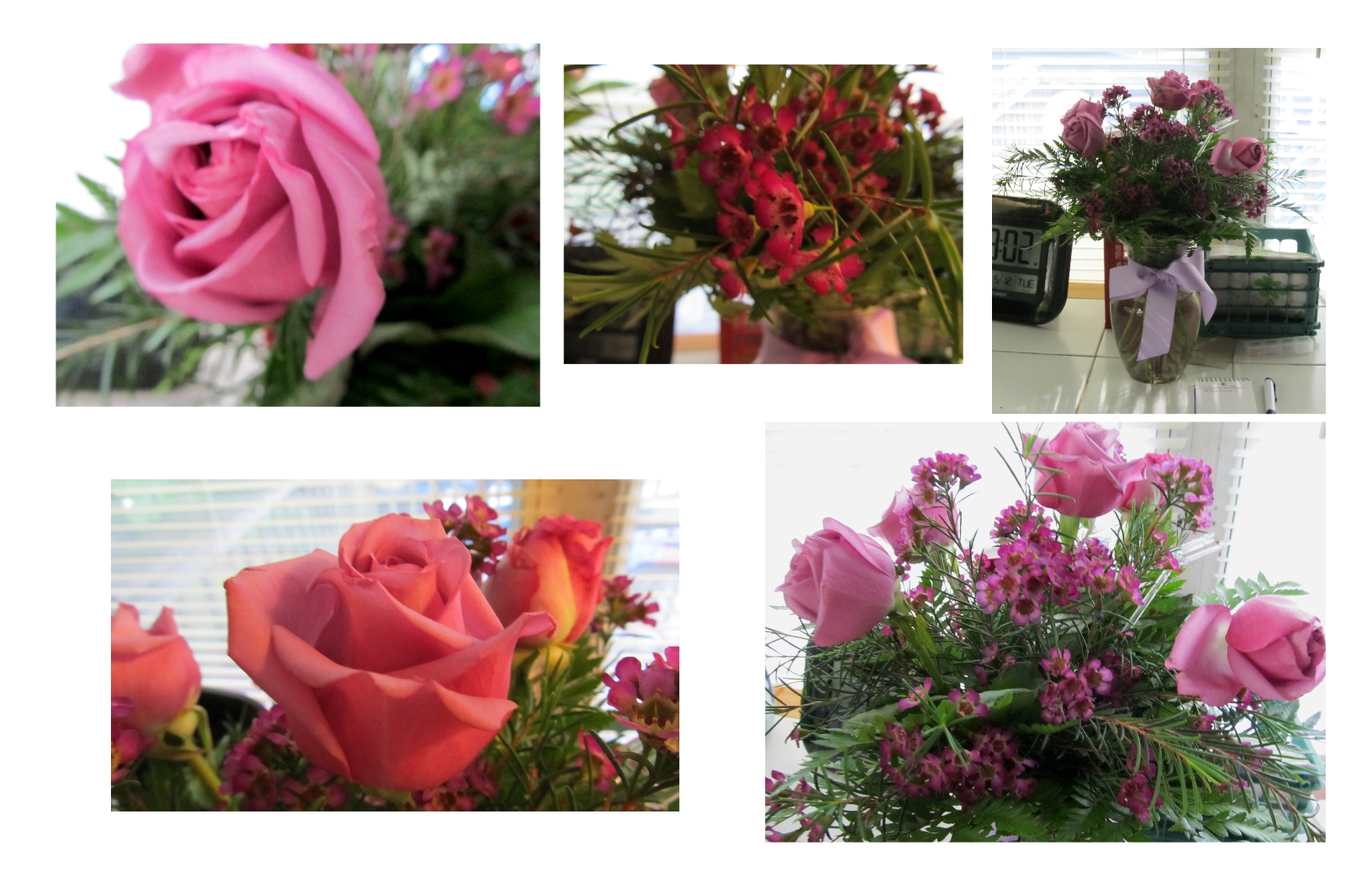
Serif DrawPlus is also good for basic layout as you can see from the pictures of a vase of flowers that accompanied an E-mail thank you note.
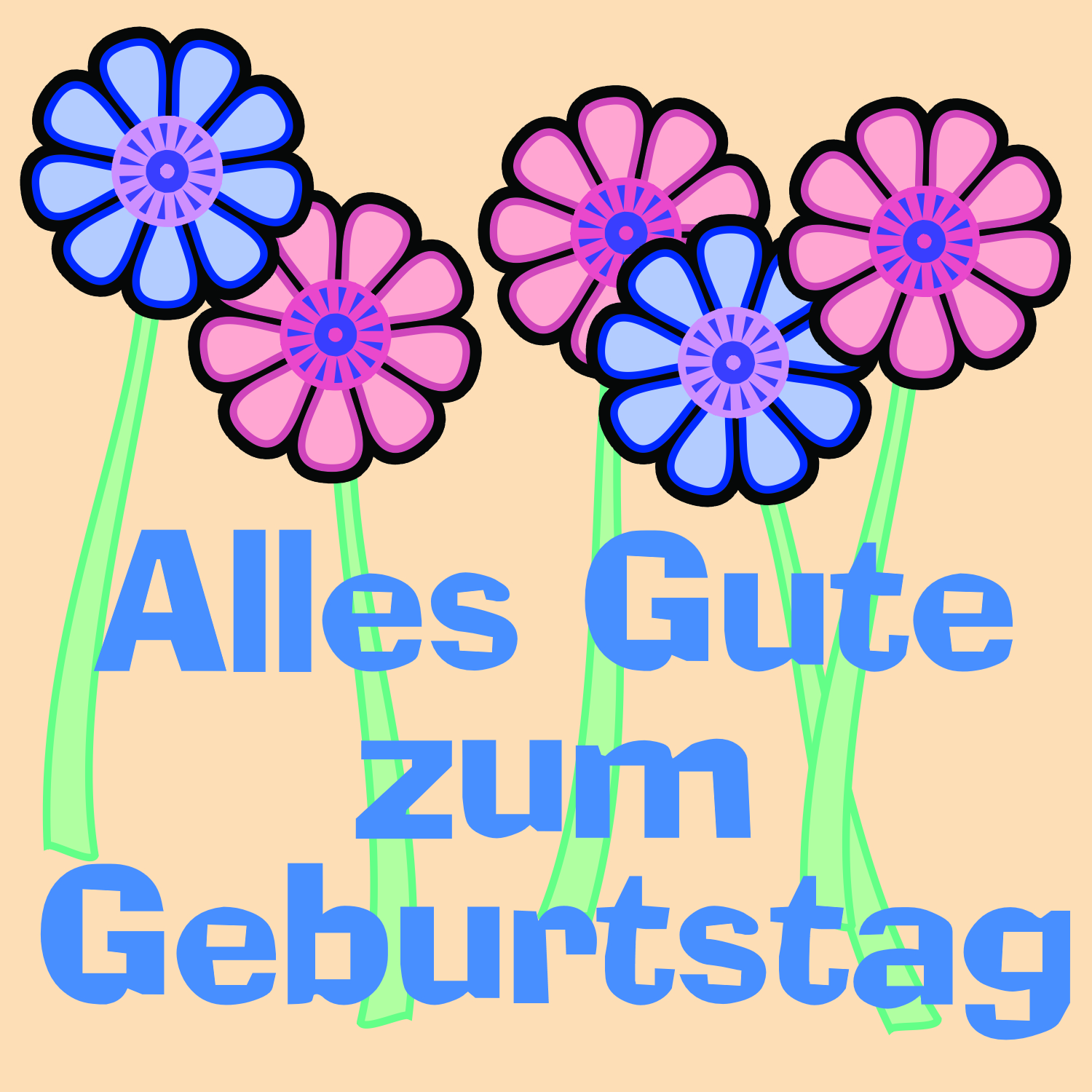
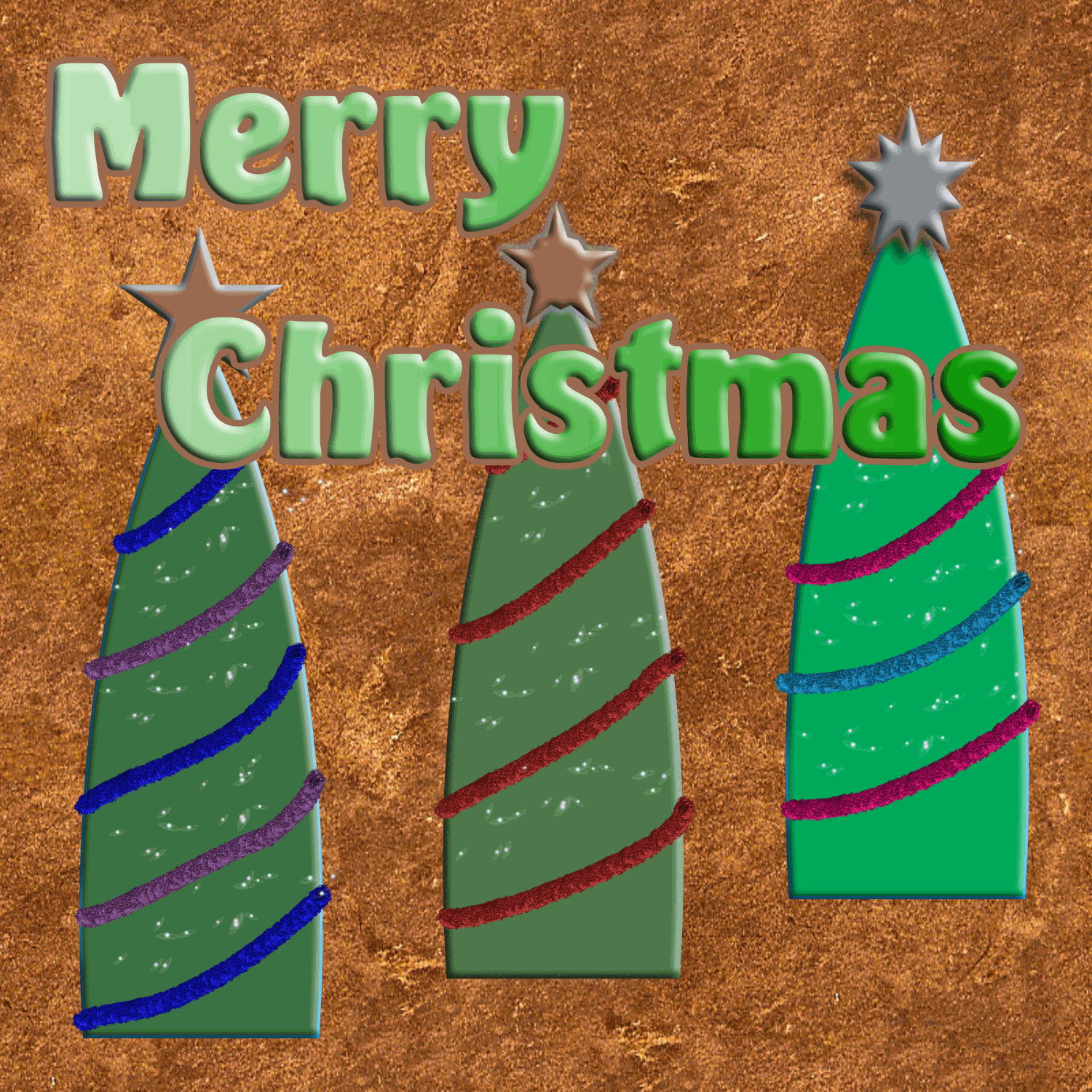
Facebook Greeting "Cards"
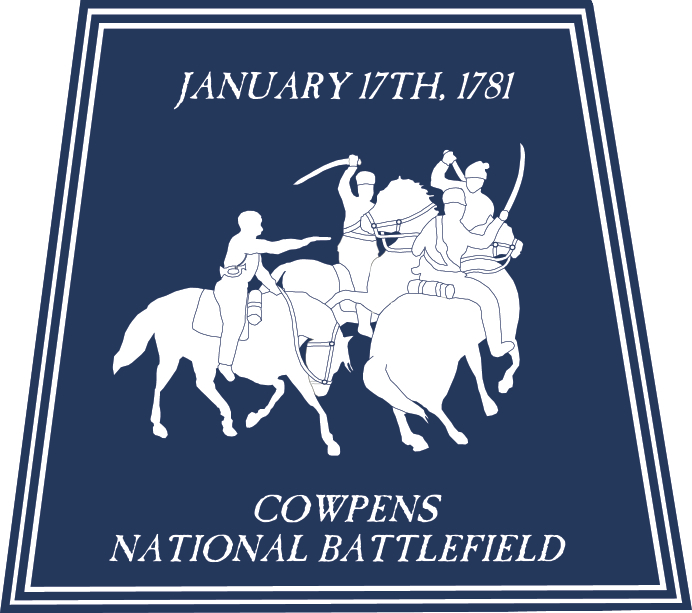
Cowpens National Battlefield
This is a logo that I made in Adobe Illustrator for Cowpens National Battlefield. The basic image was from the metal front gate there.
The gate design was based on a painting that was of a story of a skirmish from the historic Battle of Cowpens, which happened in the American Revolutionary War.
When I finished using Illustrator to design the logo, I was able to use InDesign to lay it out with different color combinations in order to show them all together.
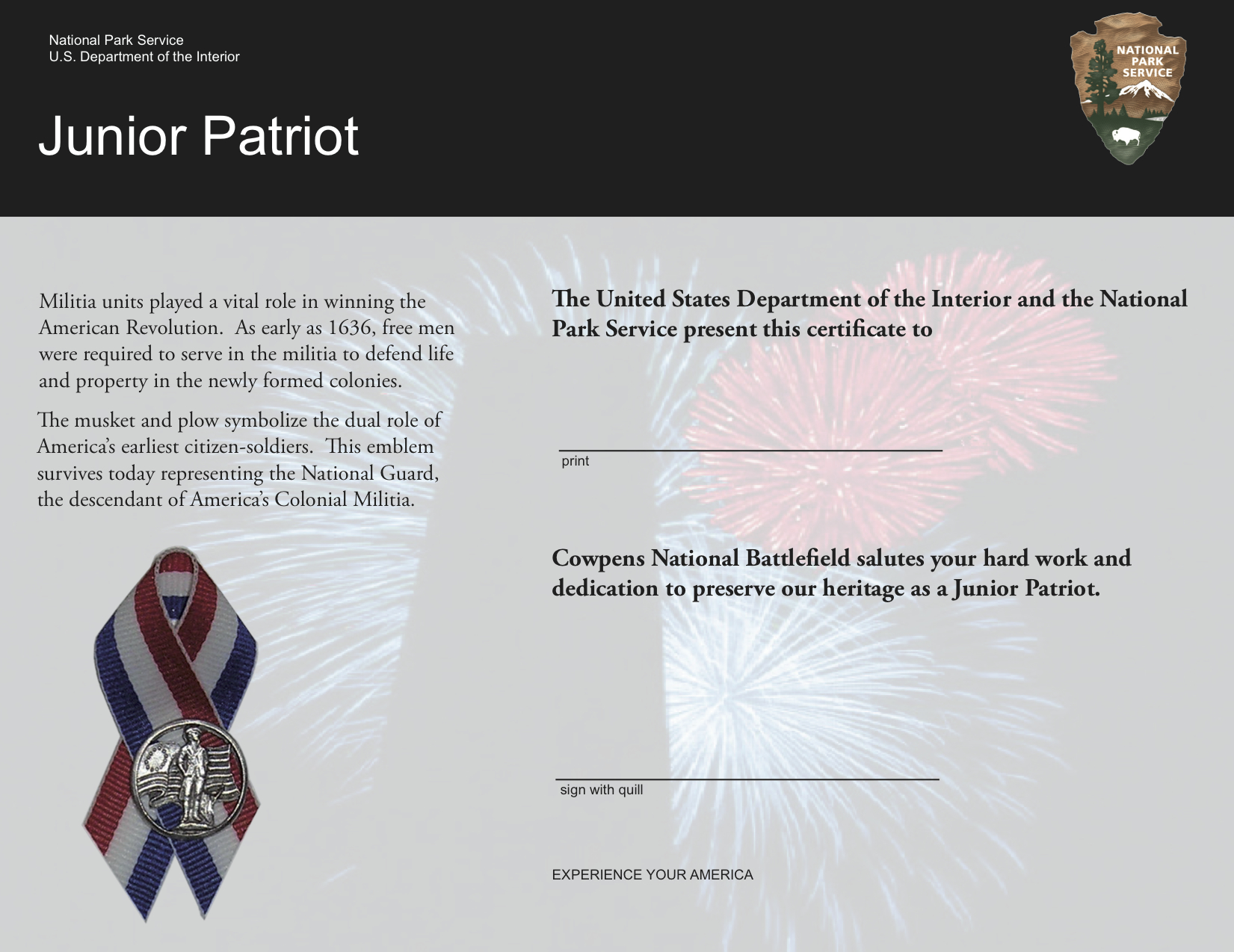
This is a certificate that I made for the 2008 Cowpens National Battlefield Independence Day Celebration. I constructed it with Adobe InDesign.
It was meant to be part of a children's activity where the youngsters could sign their name with a quill pen feather.
As part of the document, I was instructed to include the image of the patriotic ribbon which I was able to take with my digital camera and isolate from the original background with Photoshop.
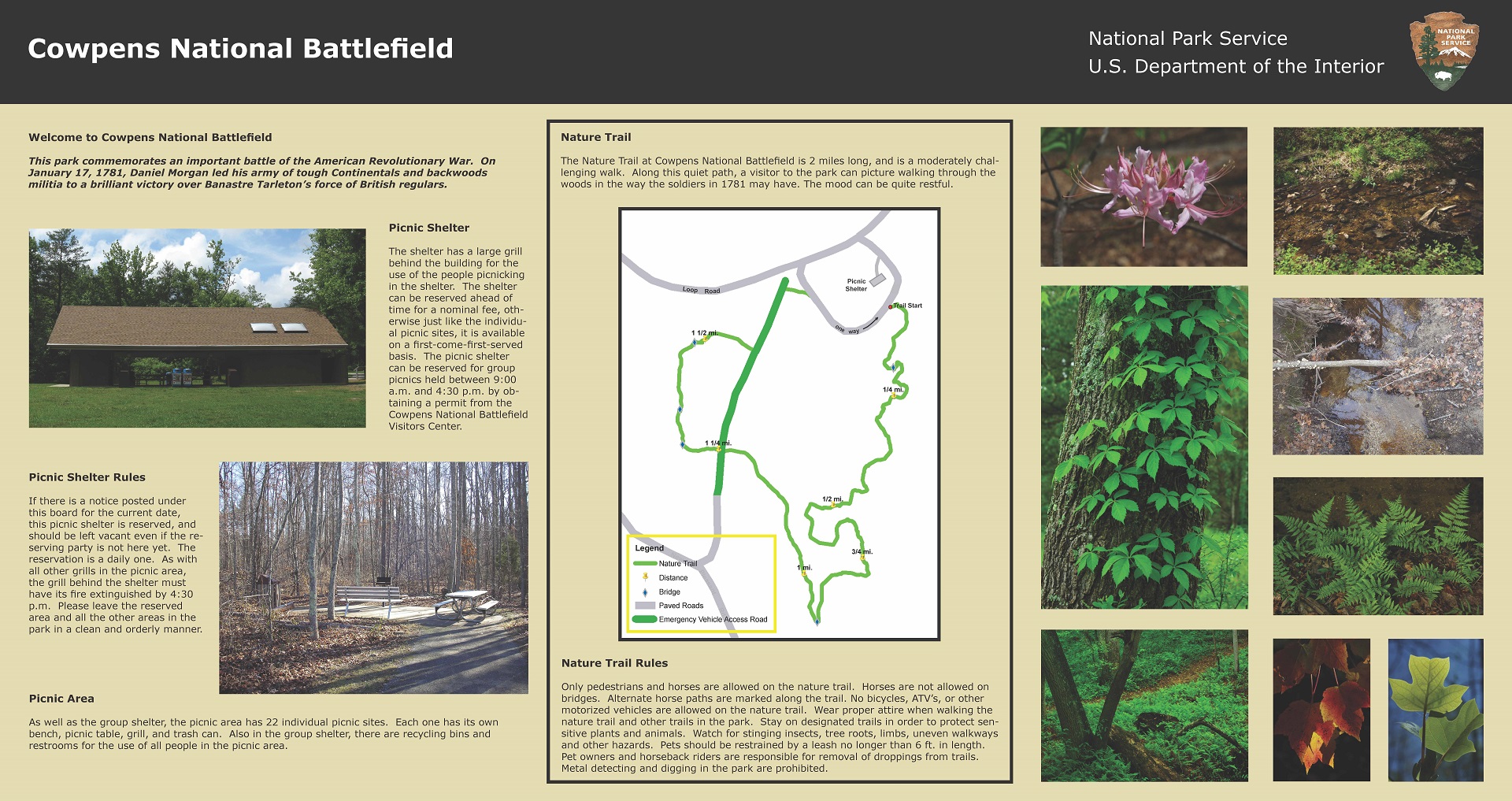
The document on the right was another job for the Cowpens National Battlefield Head Ranger. She wanted to have a sign in the picnic area that told about the rules there as well as information about the adjacent nature trail.
The main software that I used to layout this sign was Adobe InDesign. I wrote the copy for it and took a couple of the photographs.
The rest of the photographs were very nicely taken by one of the part- time Park Rangers there. I prepared all the photographs of the park in Photoshop before placing them into the Adobe InDesign document.
I rendered the map with Adobe Illustrator based on an image made with a GPS automated mapping device done by another employee who worked at Cowpens.
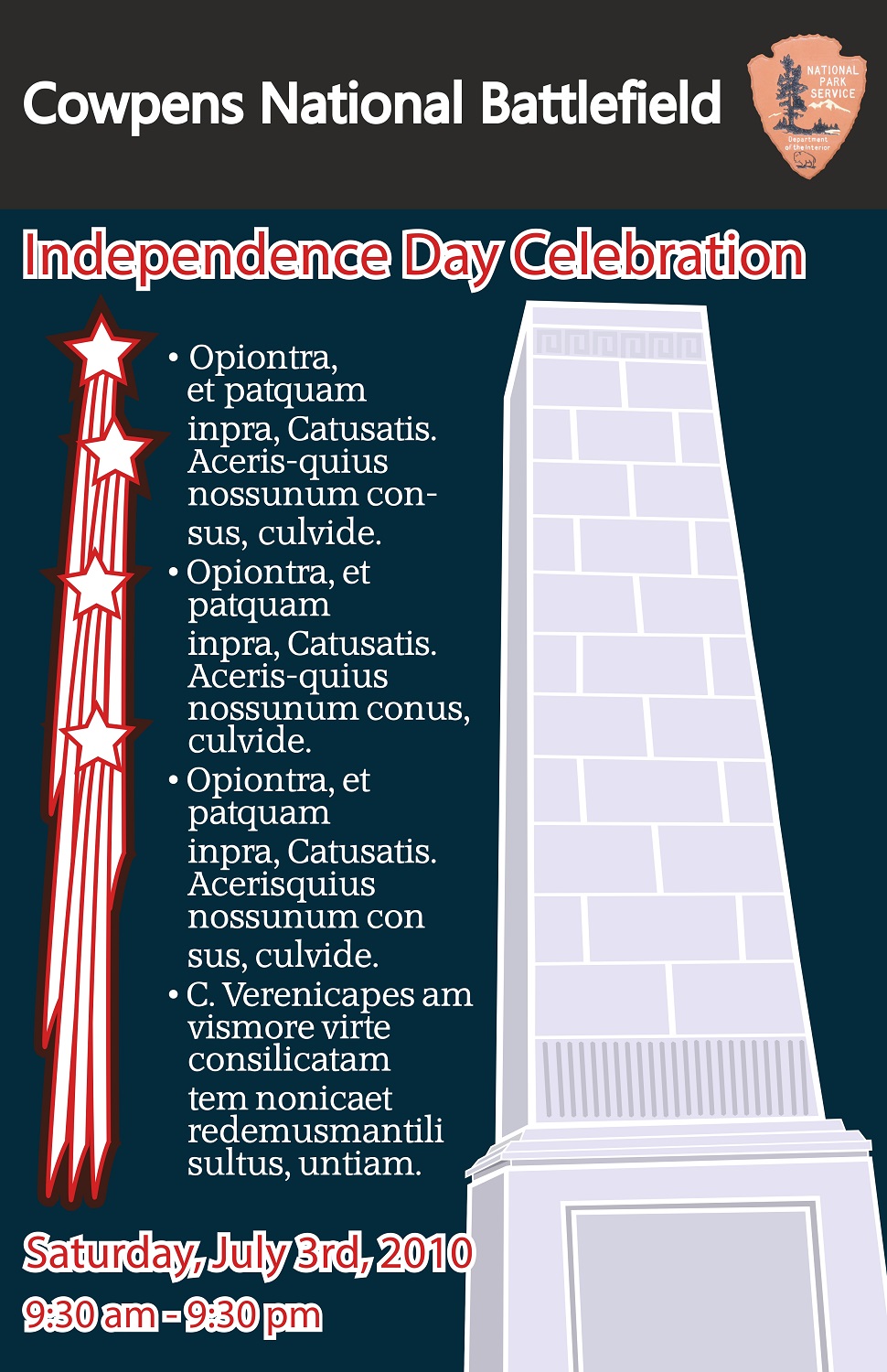
I created the design below for the 2010 fireworks celebration at Cowpens National Battlefield with Illustrator and InDesign.
I was working at another job by then, so I just did the work at my local library and then turned the basic design over to the staff at Cowpens for completion of all the pertinent details.
Spartanburg Community College
This is a header that I made in Adobe Photoshop for a Web Page in my Adobe Dreamweaver Class. It was a page that was to have links for different Sites to help with learning a foreign language.
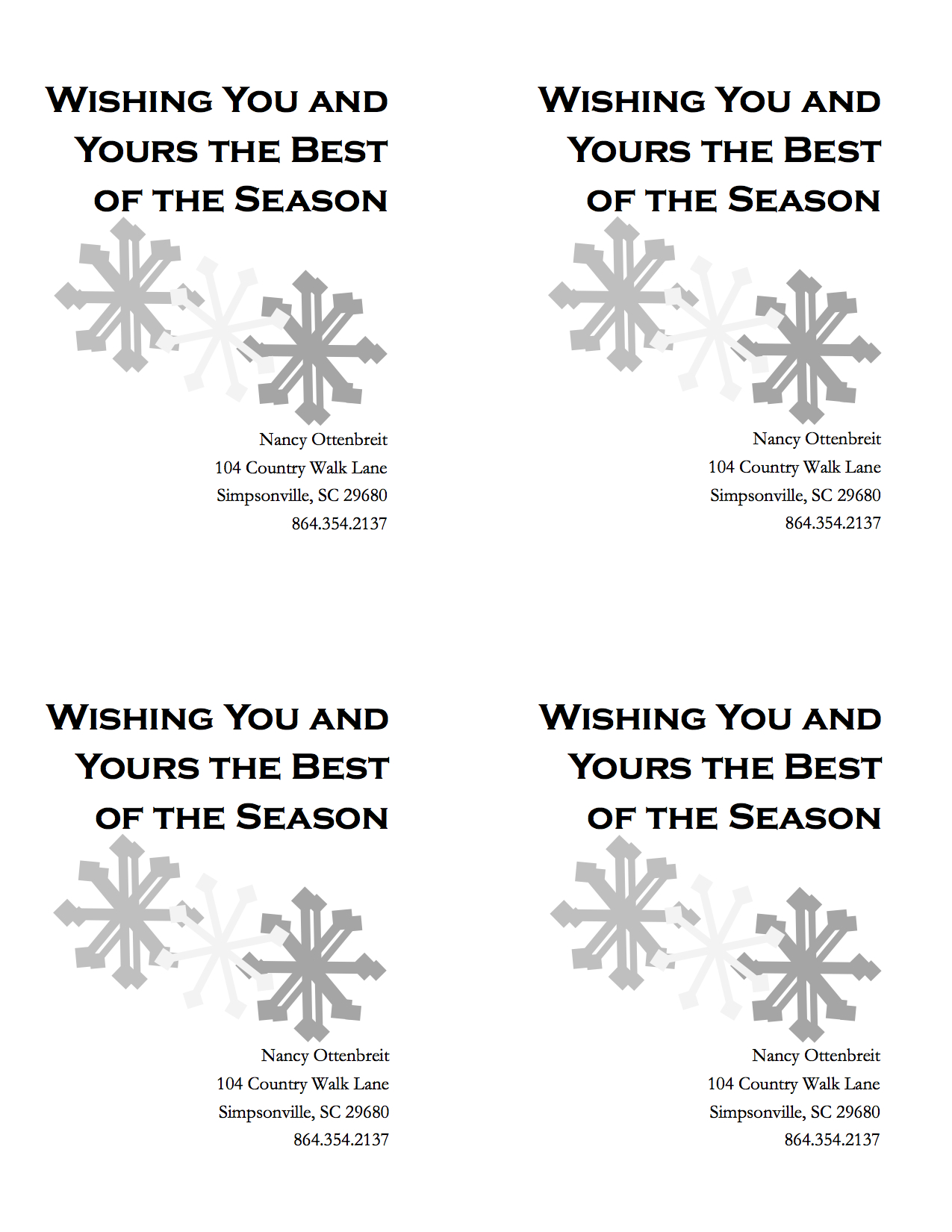
I used to deliver newspapers, and while I was studying at SCC, I made this document with Microsoft Publisher for my paper route.
I had it printed on light blue card stock, and had it cut so that each sheet yielded four Christmas cards. This was so I could insert one with each of my Sunday papers.
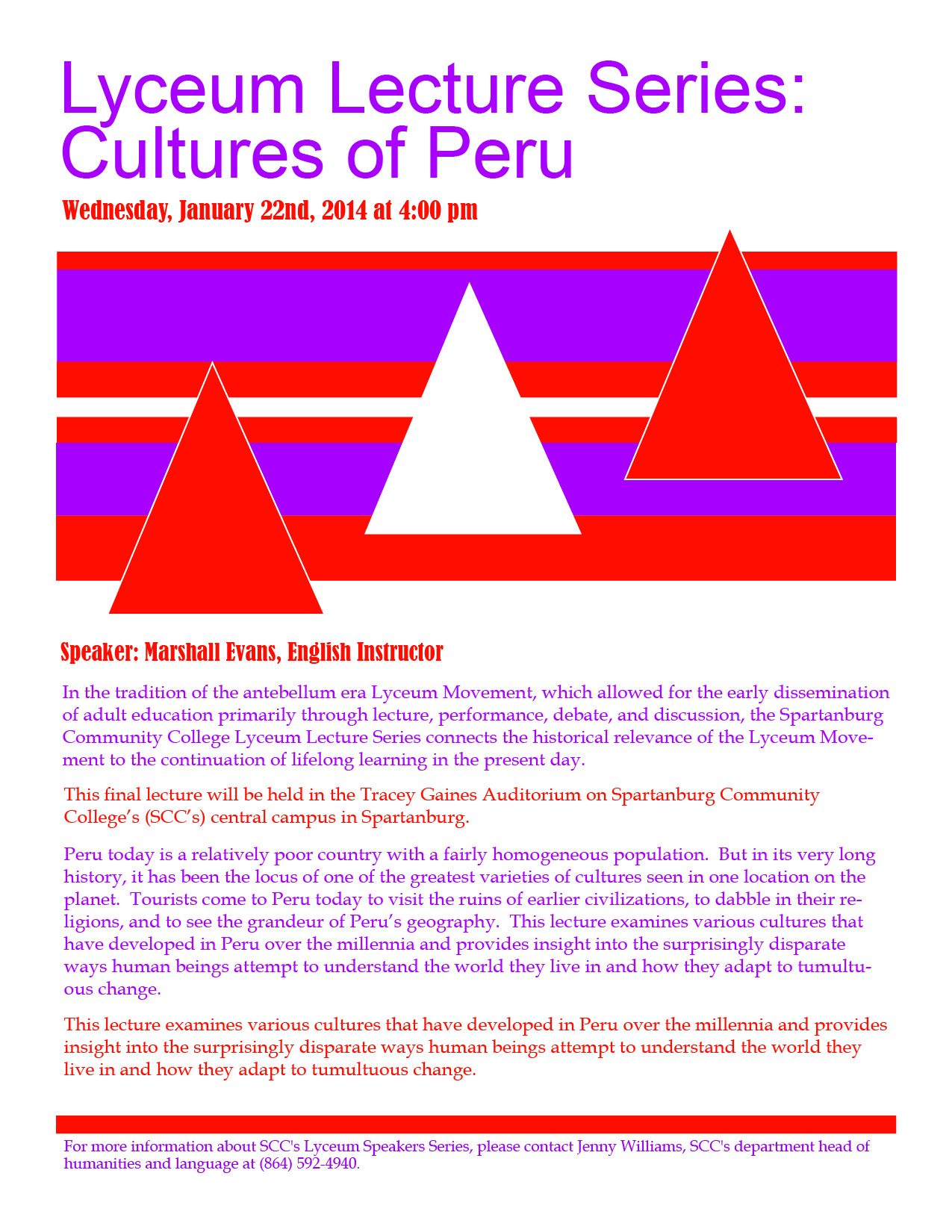
One of the assignments in my preflight class was to layout a college event flyer with InDesign. I originally laid it out in Microsoft Publisher.
I needed to chose two Pantone colors. In order to do this, I did some research on the Internet about Peru. There I saw many multi-colored fabrics with geometric patterns.
These brightly colored examples were my influences for designing this flier for a lecture about Peru.
One of the topics for this assignment was to make a Public Service Announcement (PSA) poster for the Big Sister organization.
I chose to use Illustrator because I wanted a simple, child-like feel. My plan was to portray the feeling a girl gets by having a woman which she can look up to.
I used gradients and patterns in order to make my composition interesting.
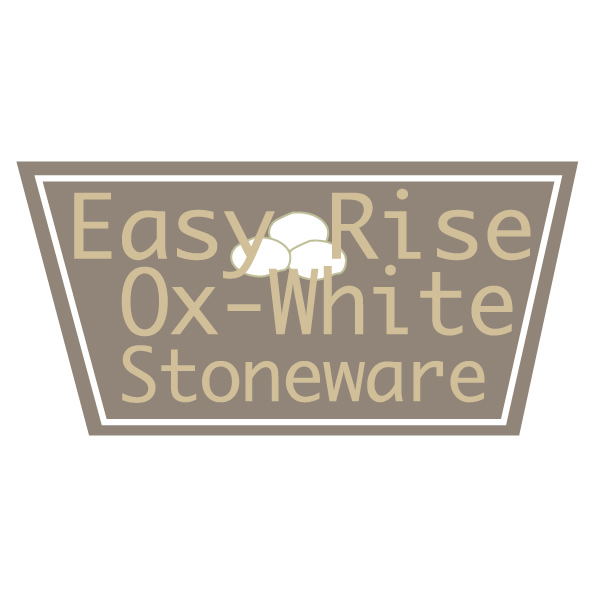
The idea behind the project in this class was to make-up any product that we wanted and create a name and three different logos that represented the qualities of the product.
My inspiration was a type of clay that I used when I was studying ceramics. It was a white stoneware that was very quick and easy to throw on the wheel.
In coming up with the name, I also considered how stoneware is known as a sturdy clay-body, especially as opposed to porcelain, a clay with a very white color and less strength while the artist is working with it.
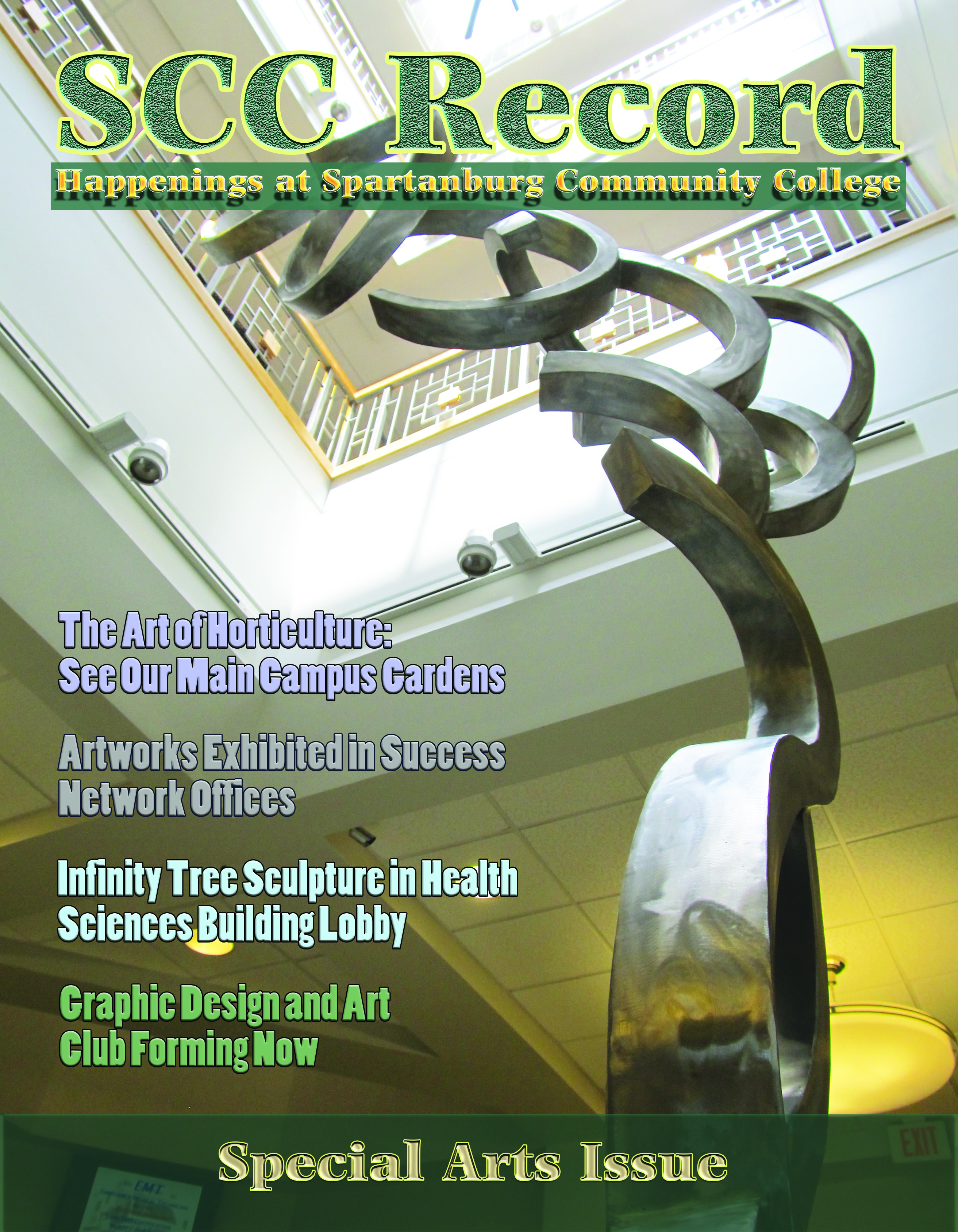
The idea of this exercise was to make a fictional magazine cover about our college. It was created in Photoshop.
I took the photograph myself and used different effects on the text in order to make it stand out.
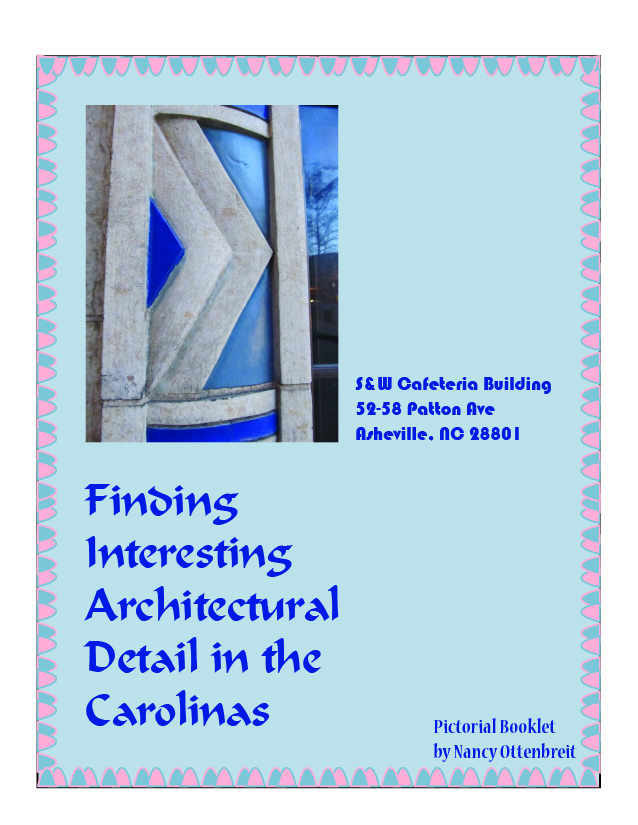
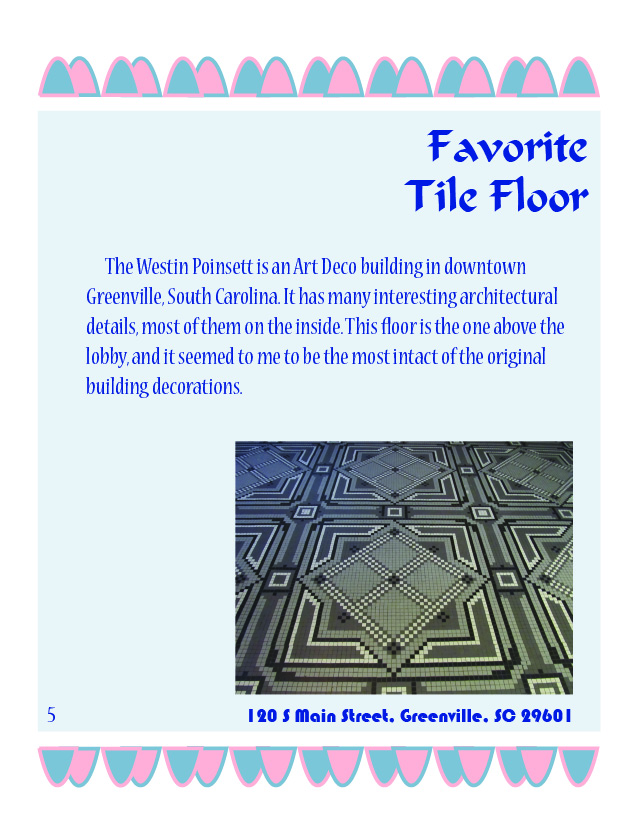
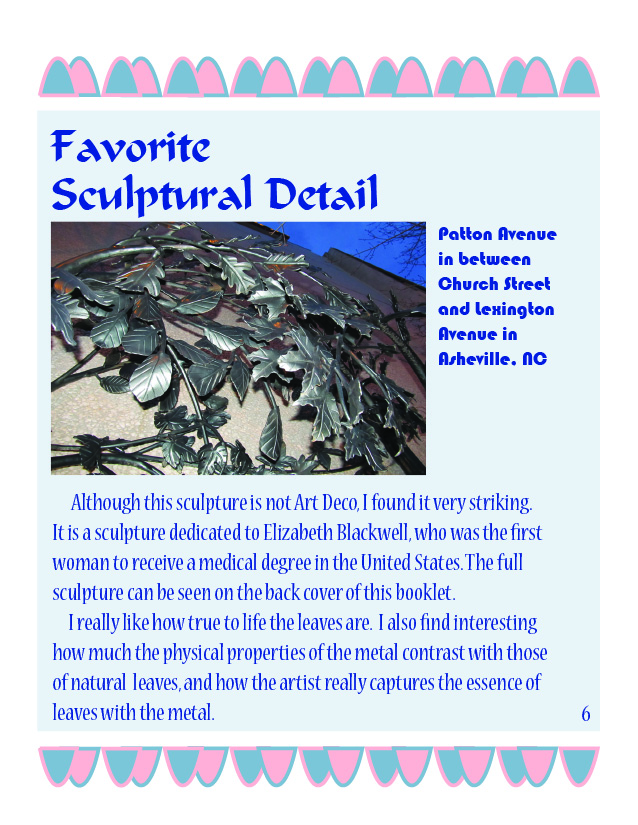
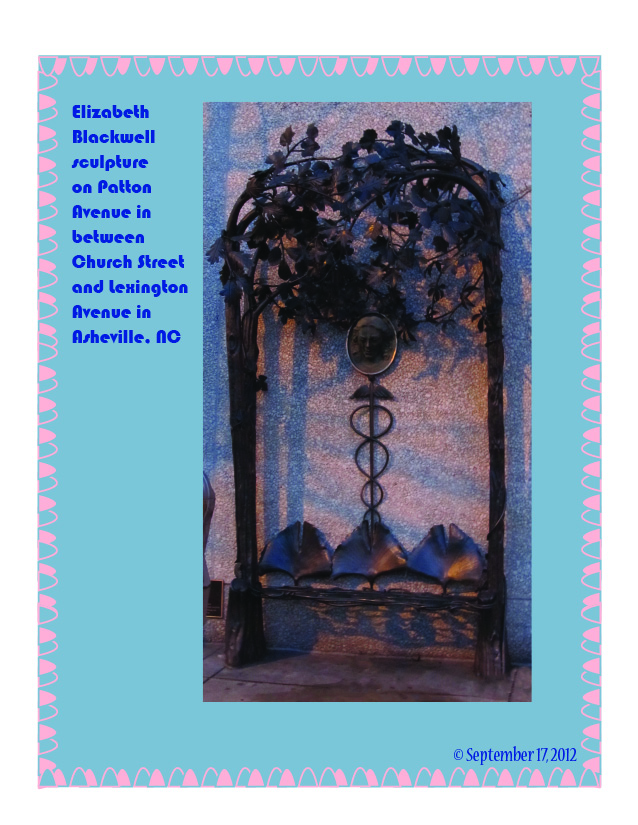
Above is a booklet done for one of my last classes. It was done with the Adobe program InDesign. I immensely enjoyed going around visiting places to take the photographs with my digital camera. I really found that I like Art Deco architectural detailing.
This was part of an earlier branding exercise, which was done in Adobe Illustrator. First, I designed the logo, using some different text effects on the letters like drop shadow and inner glow.
Then I used the logo as a basis for a web banner and a business card. Part of the idea of the exercise was to use shapes and colors that would complement the logo design.
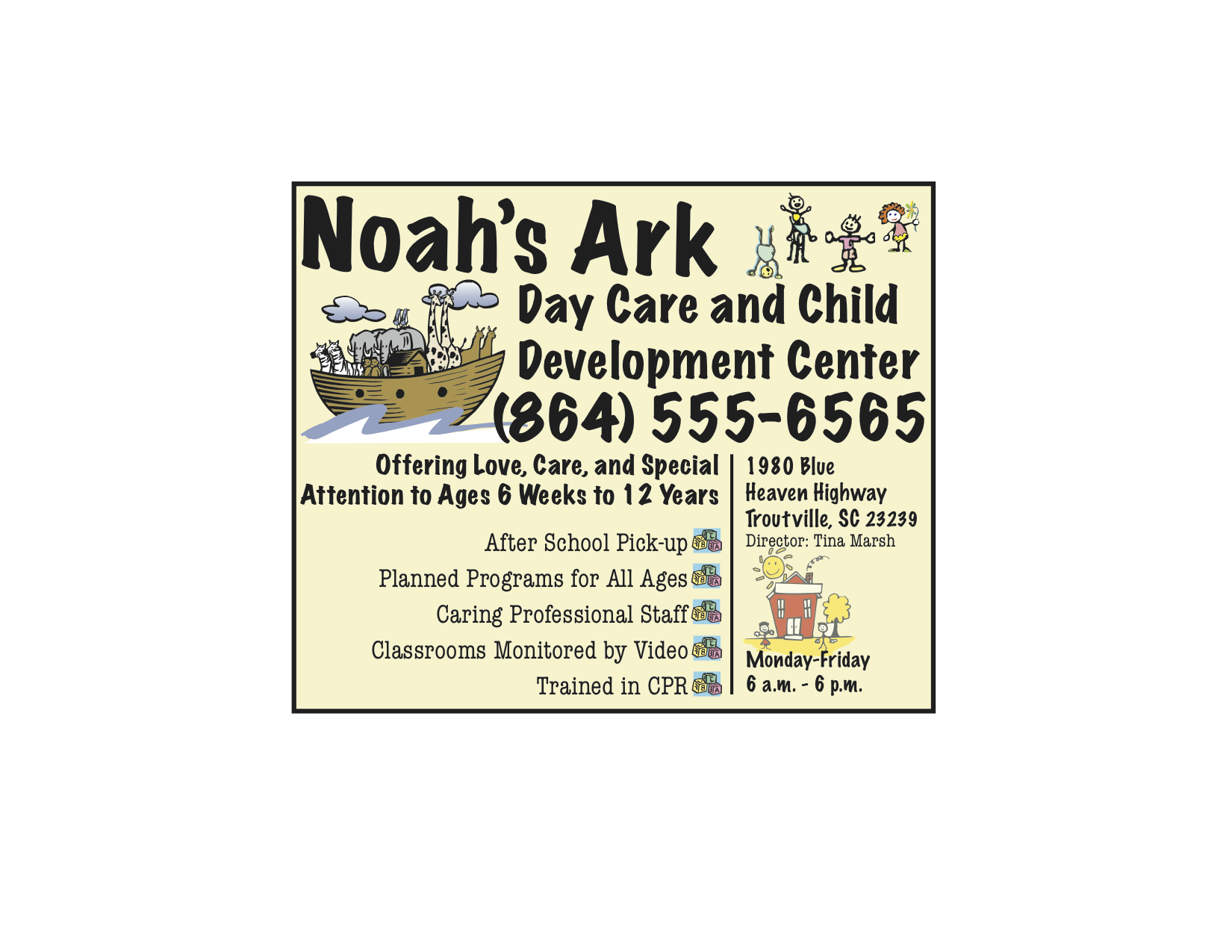
A yellow pages advertisement was the assignment here. The exercise was done with InDesign. The students were given specific clip art to choose from.
The idea was to come up with a layout that would draw attention and communicate effectively about the positive qualities of the business.
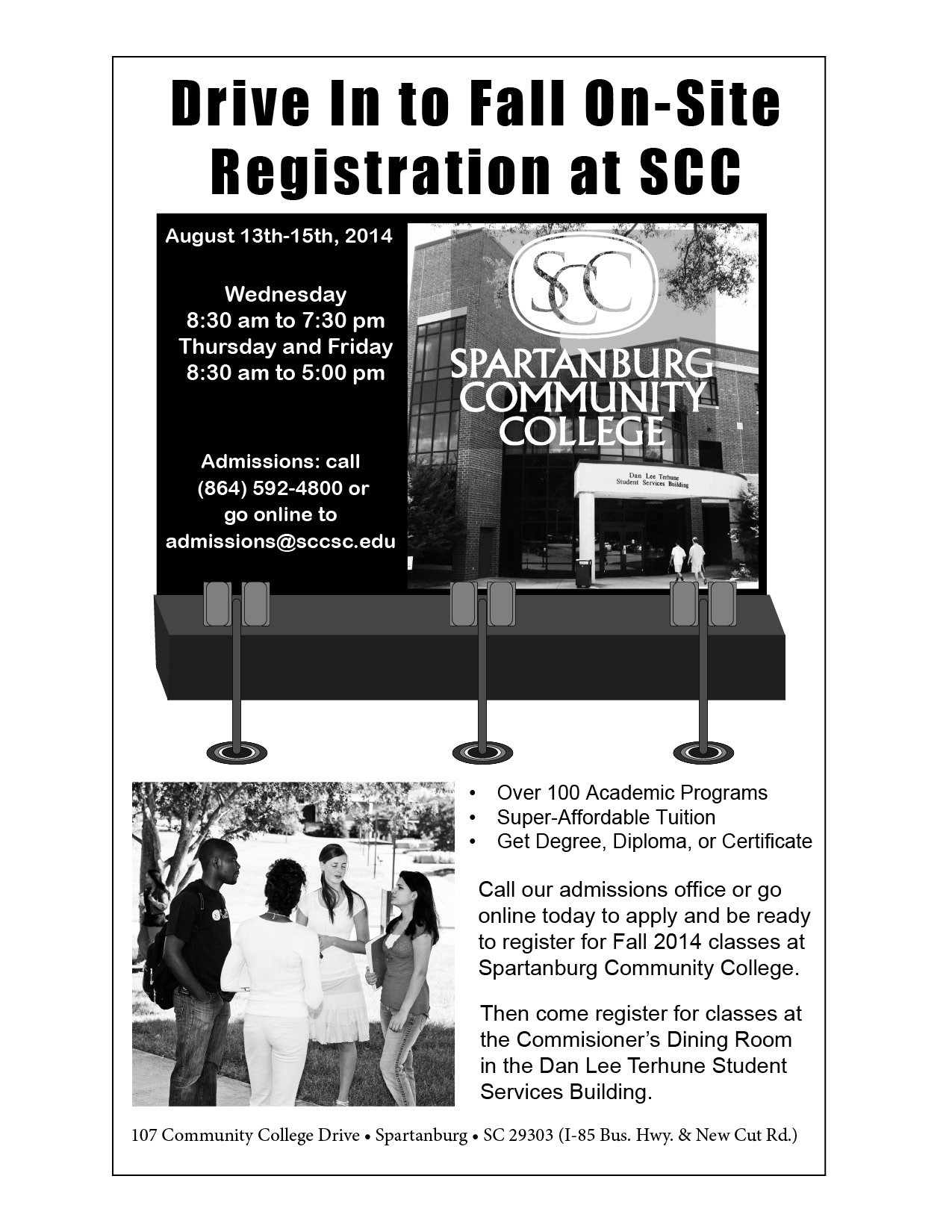
In this newspaper advertisement for one of my classes, the idea was to make something that would bring students to SCC for a Fall registration event.
I used InDesign to do the layout. I also came up with the theme, headline, and copy for the ad. To support the theme, I used Illustrator in order to draw the drive-in movie speakers.
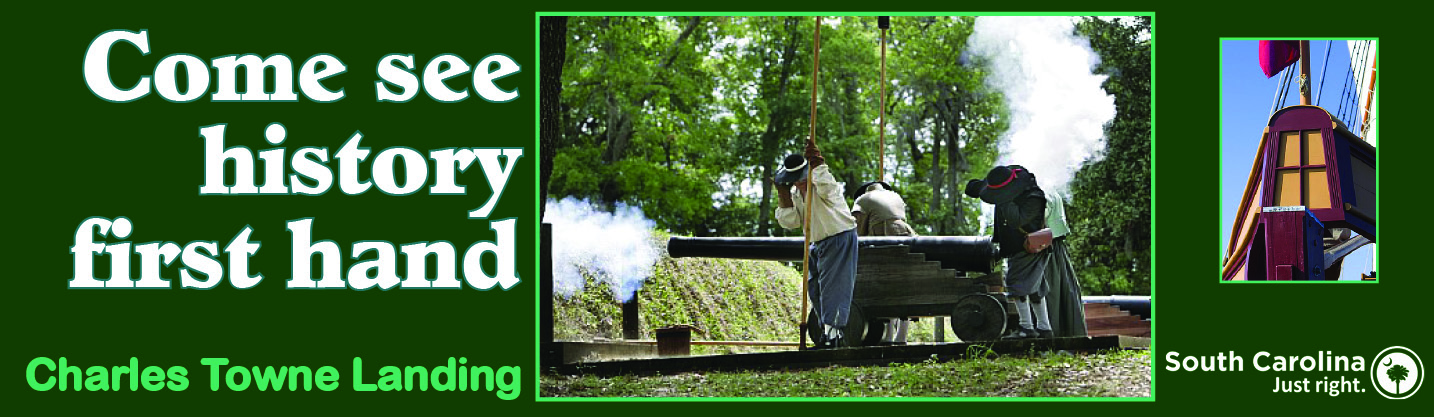
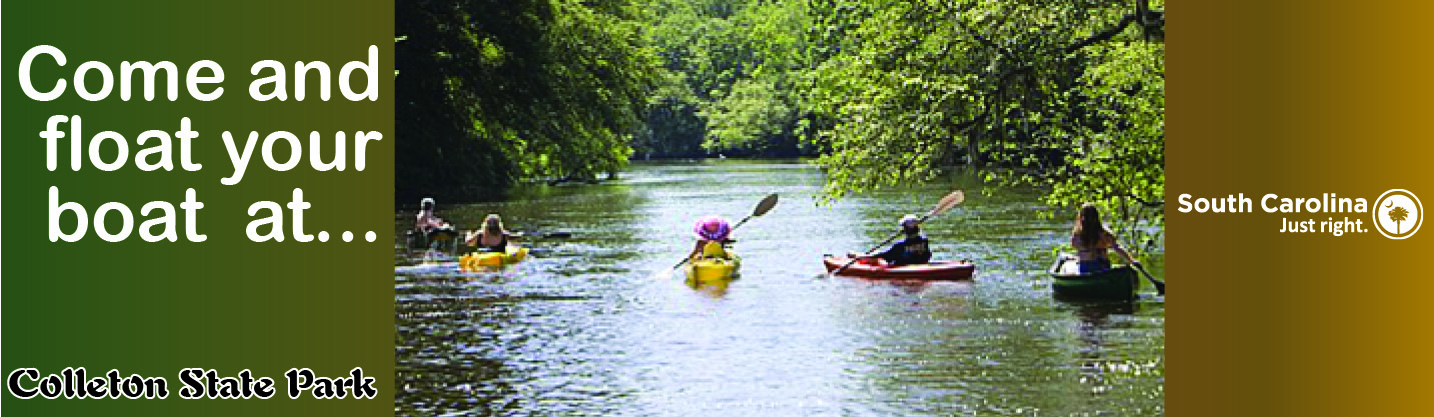
In my advertising design class, my fellow students and I came up with designs for billboards for the South Carolina state park of our choice.
I chose green to be my background color because of the natural surroundings at all of the state parks. In the first billboard, I also chose to emphasize history, because I believe it is an important and enjoyable part of many state and national parks.
We used approved images from the SC State Parks Web Site, so the clarity of the images is not good. The instructor did not worry about resolution, in this case, because the rendering on the computer screen was notfor printing on real billboards. This assignment was to give us some idea of what it would be like to design on such a large scale.

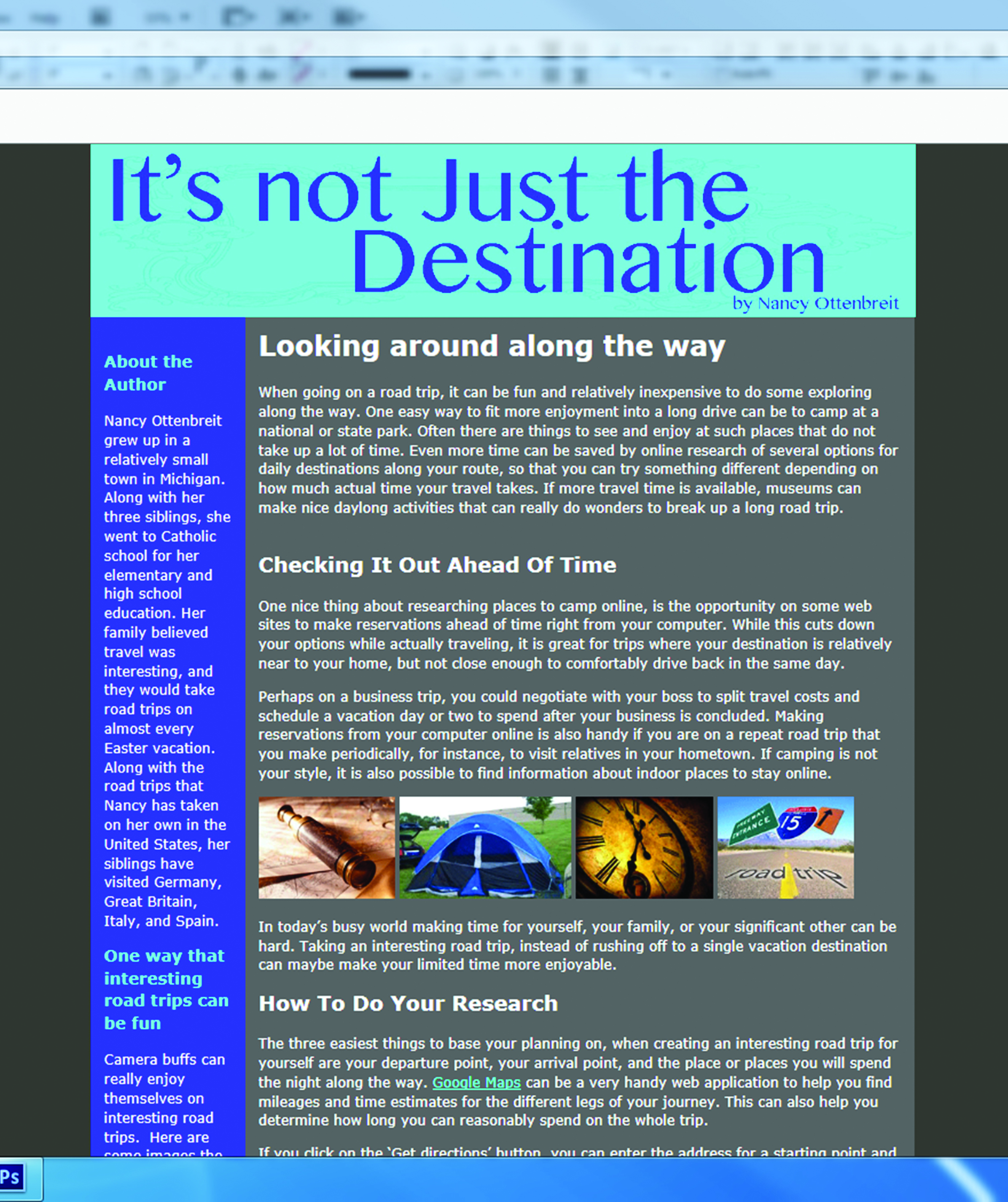
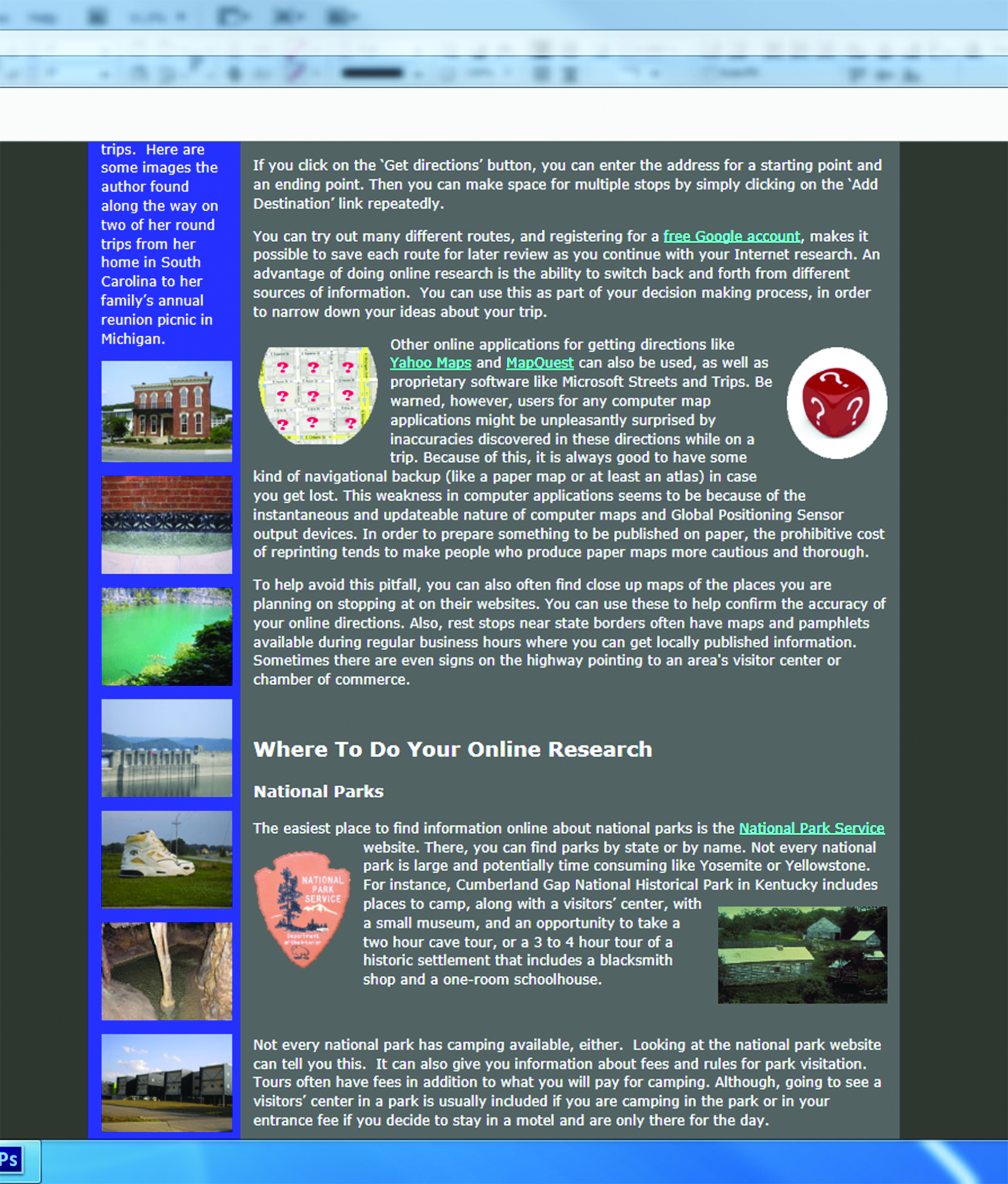
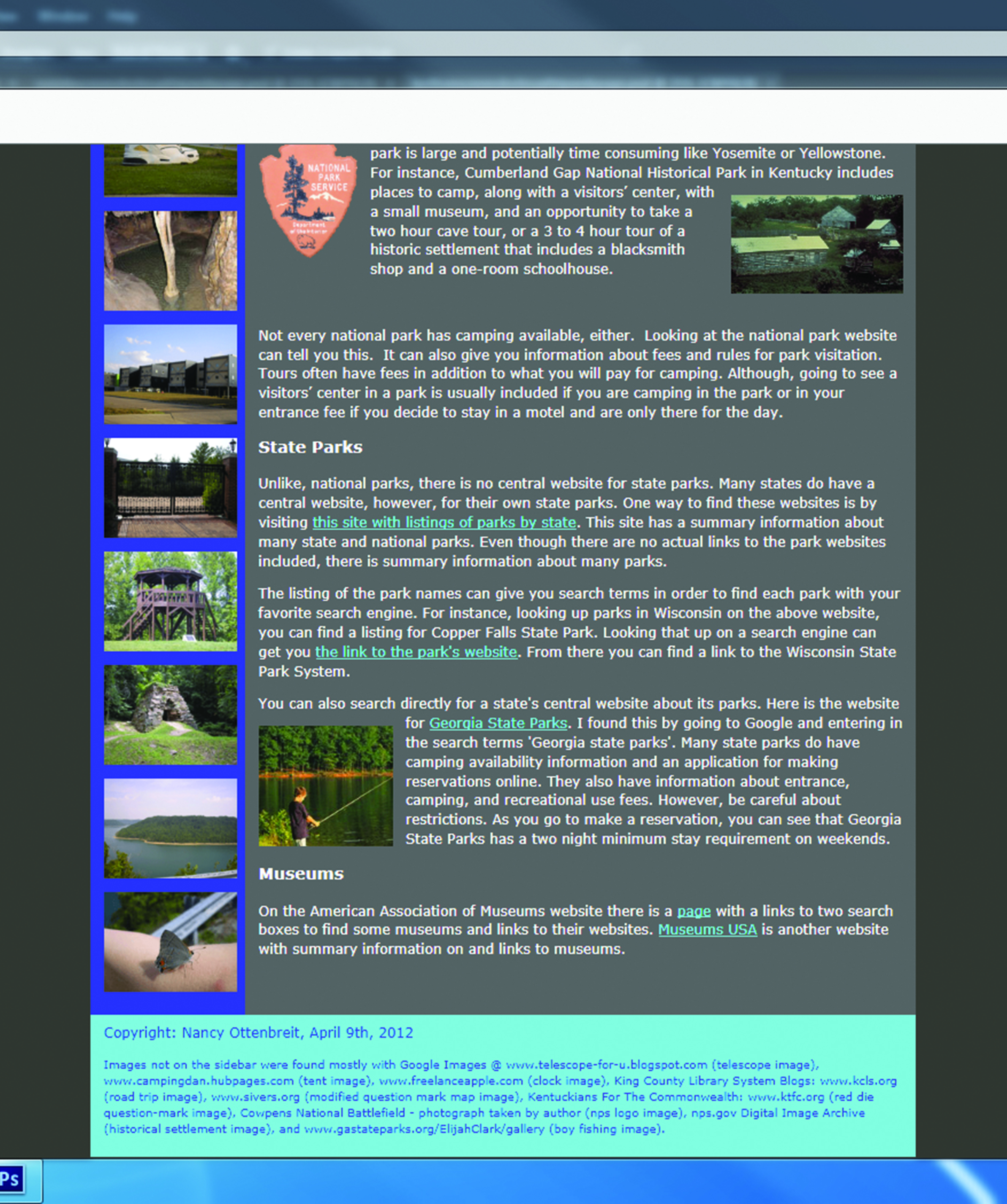
To the right is work from my Adobe Dreamweaver class, where there was a single Web Page assigned for creation.
The students were tasked with choosing a subject, writing about it, providing pictures, and doing the layout. I always like taking road trips, so that is the subject that I chose.
Converse College
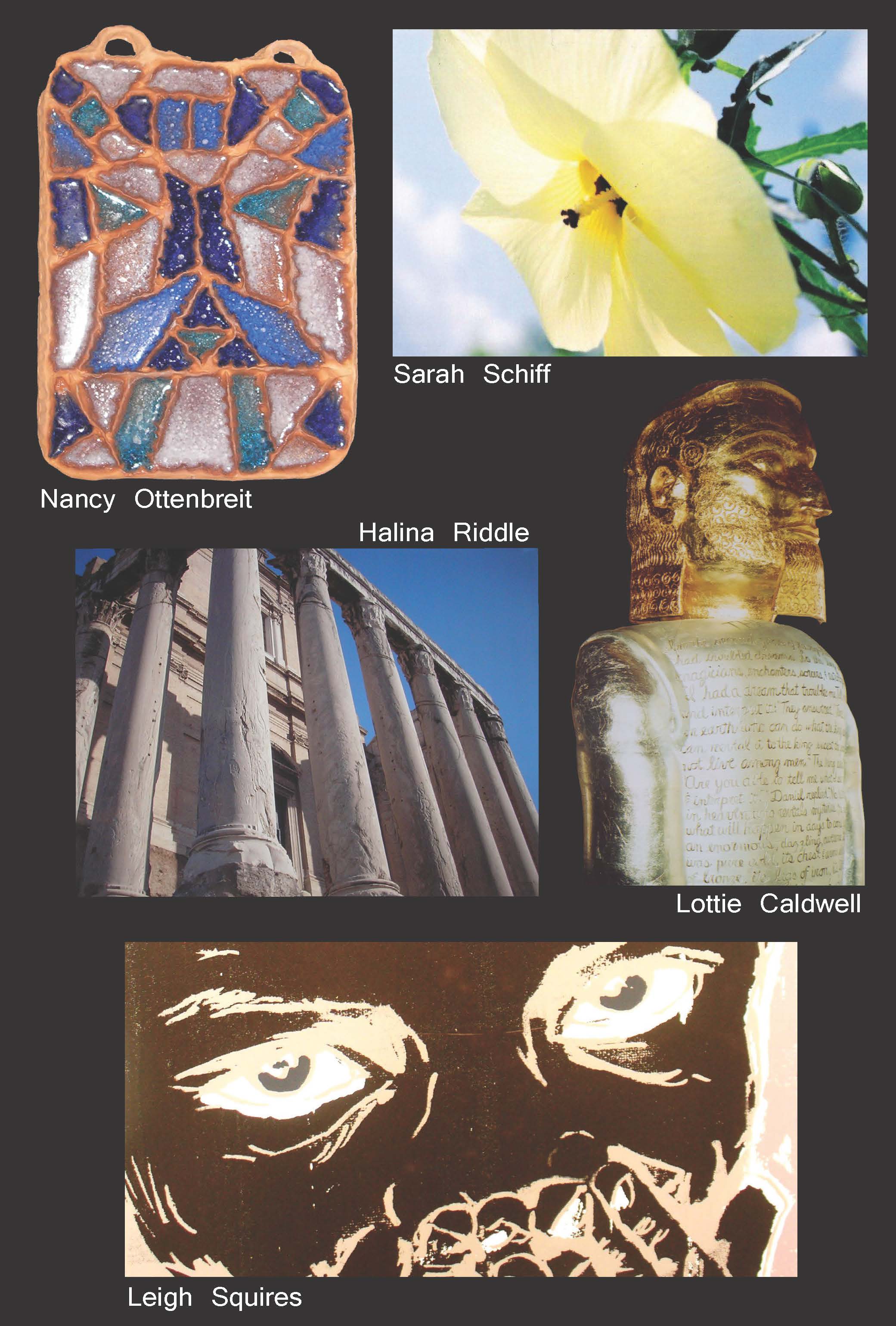
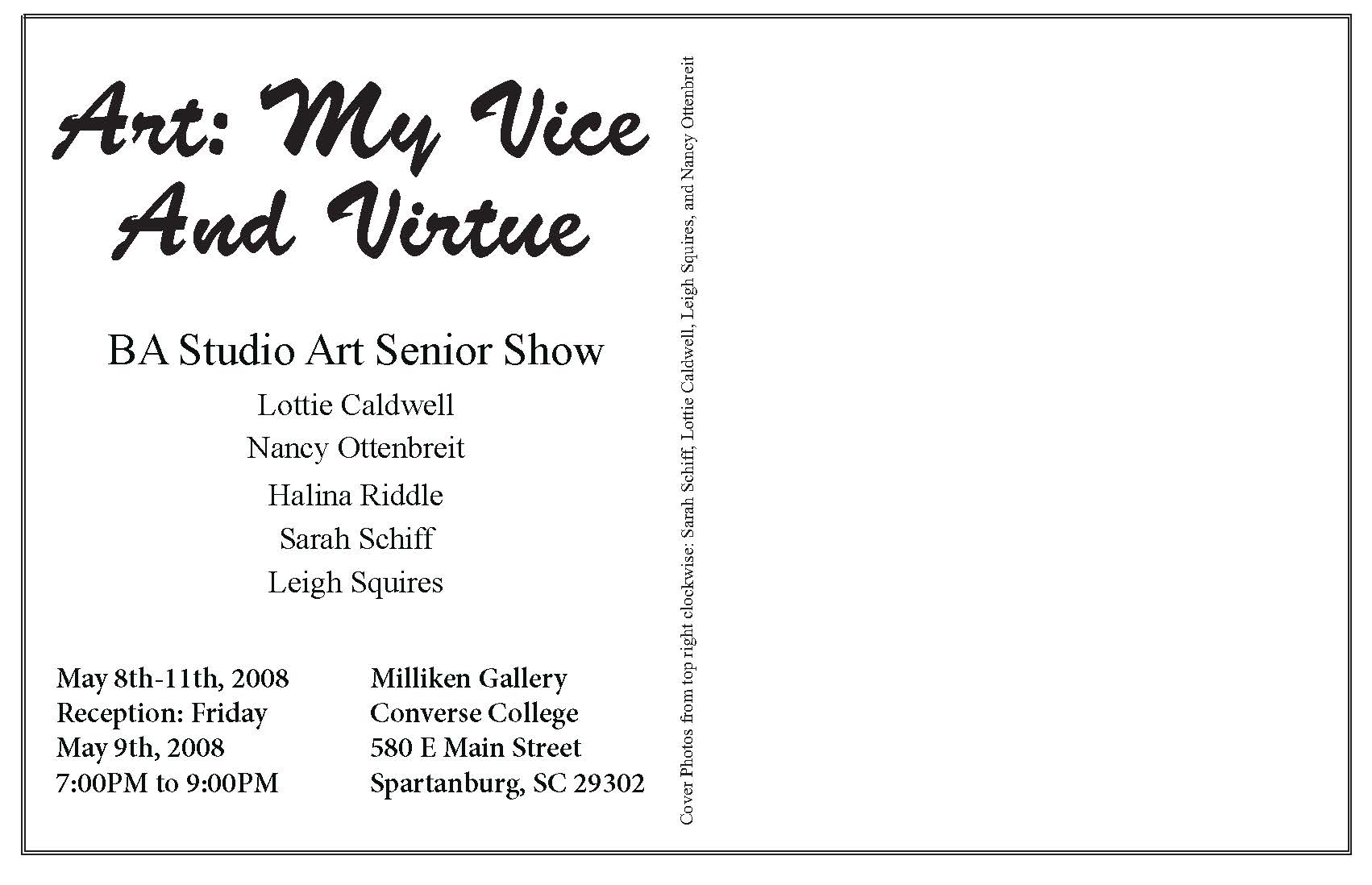
After taking my first class in graphic design at Converse College, I was able to use some of the skills I developed in that class to make this announcement, post card for my senior seminar class. The curriculum included a gallery exhibition.
I did the layout of the over-sized postcard in Adobe InDesign along with another student,Sarah Schiff. She and I shared gallery space at the Milliken Gallery for our exhibition with three other students, Halina Riddle, Lottie Caldwell, and Leigh Squires.
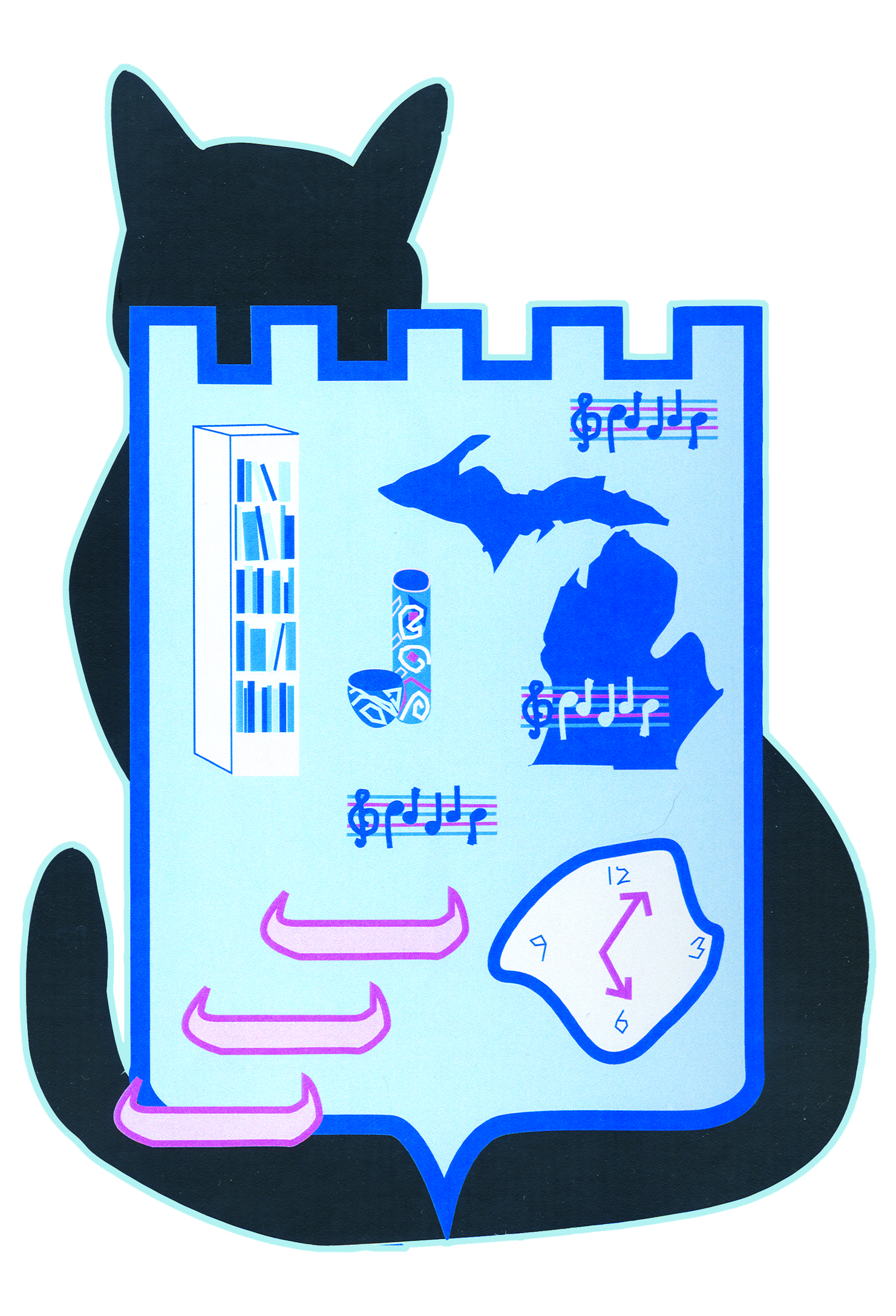
This is the first project that I did in Adobe Illustrator. We were directed to think about the things that made us who we were. Then we came up with our own personal coat of arms.
I chose my old cat, Isaac to hold the shield. I love to read, and to be out on a lake in a canoe or kayak. Pottery is important to me, since I enjoy making it. I love singing, and I currently belong to a barbershop singing group. I chose the warped time piece to represent both my love of art and stories about time travel.
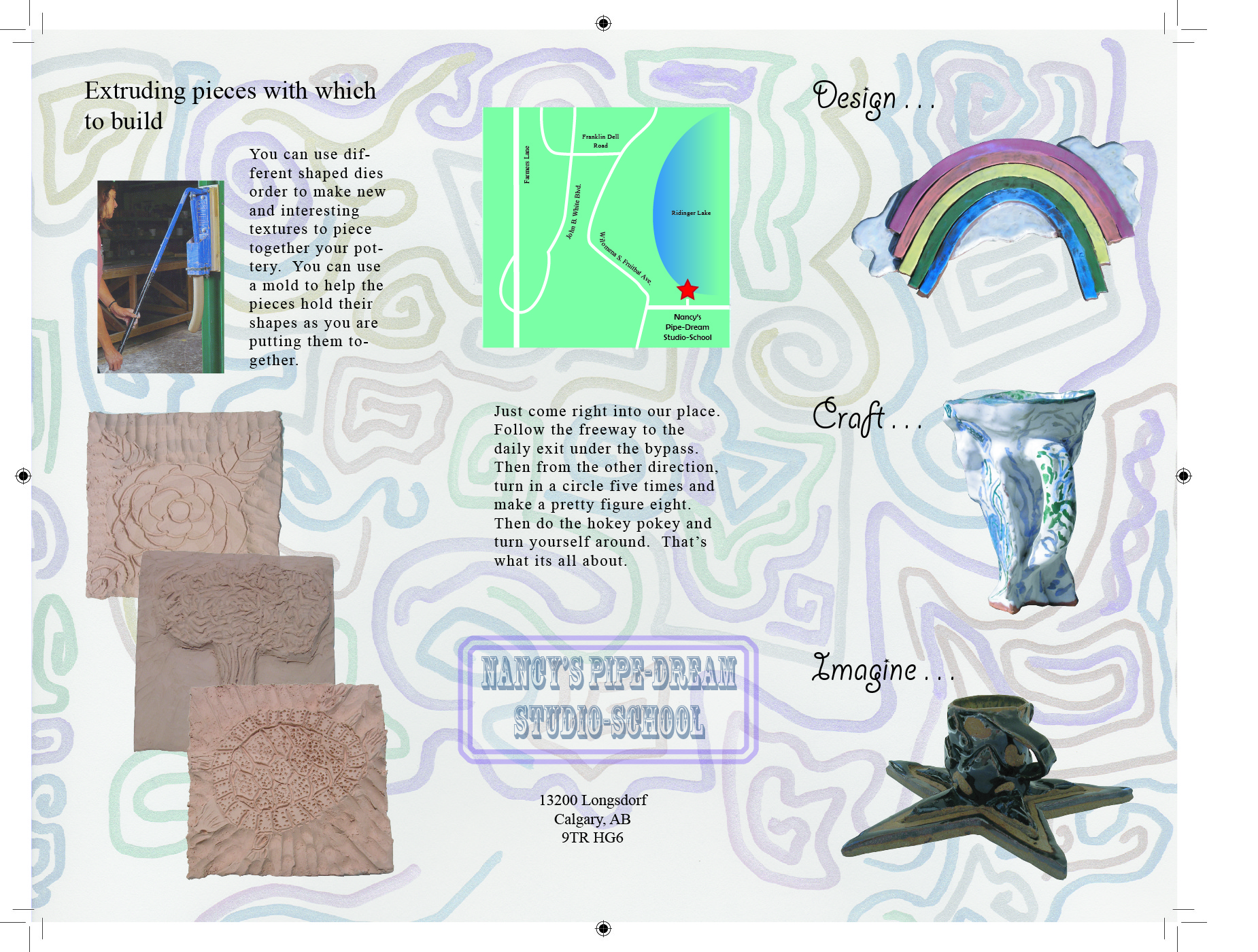
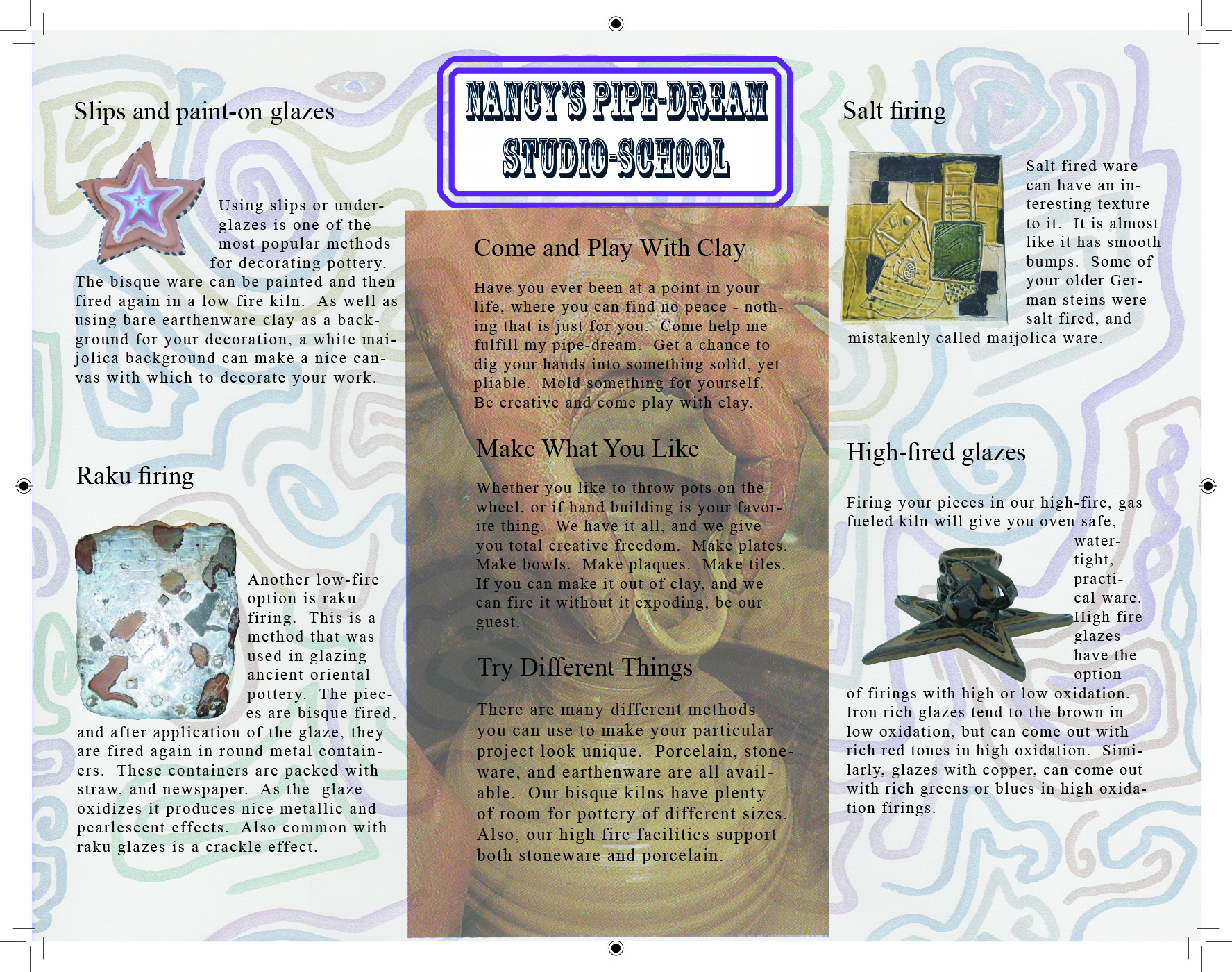
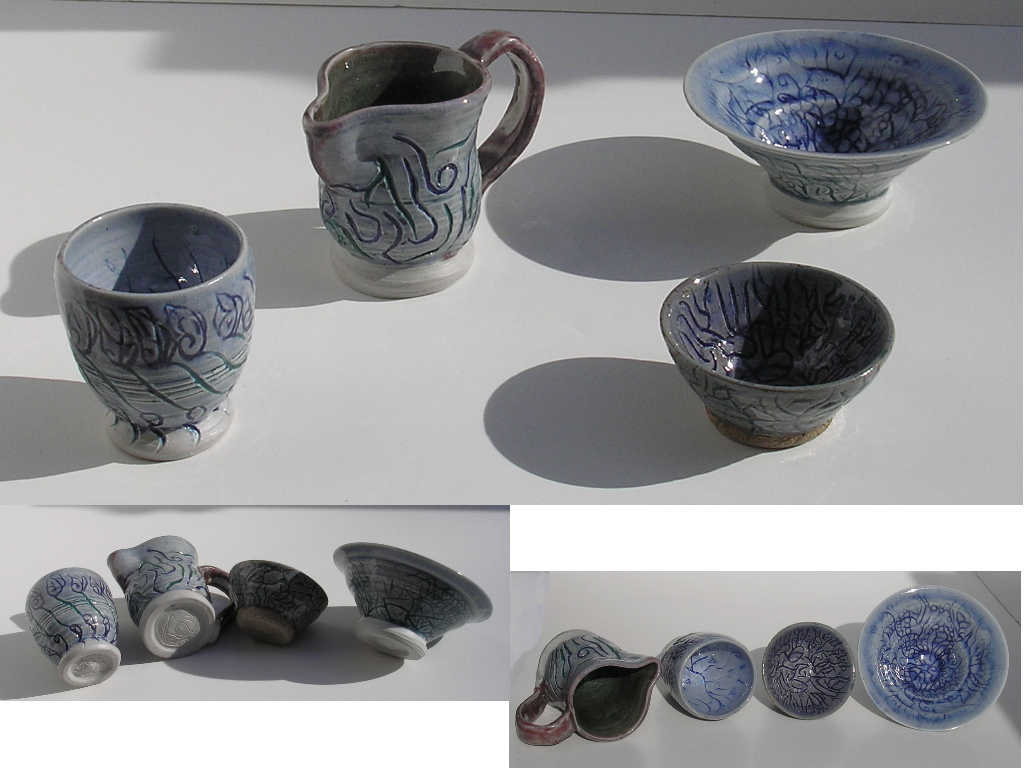
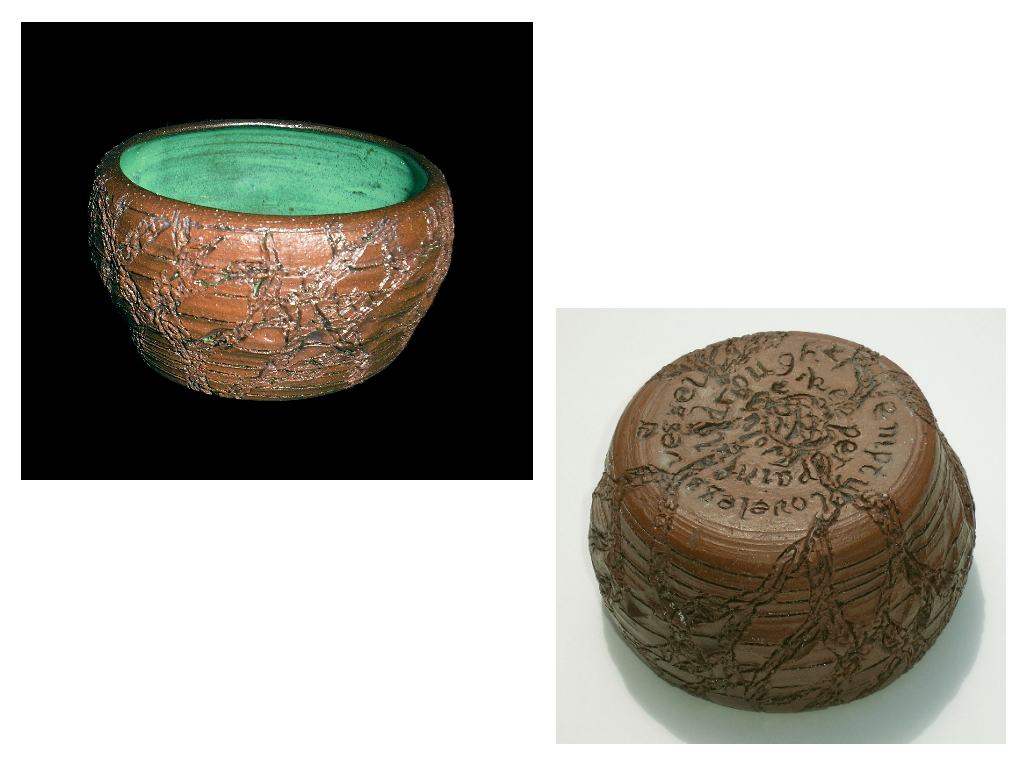
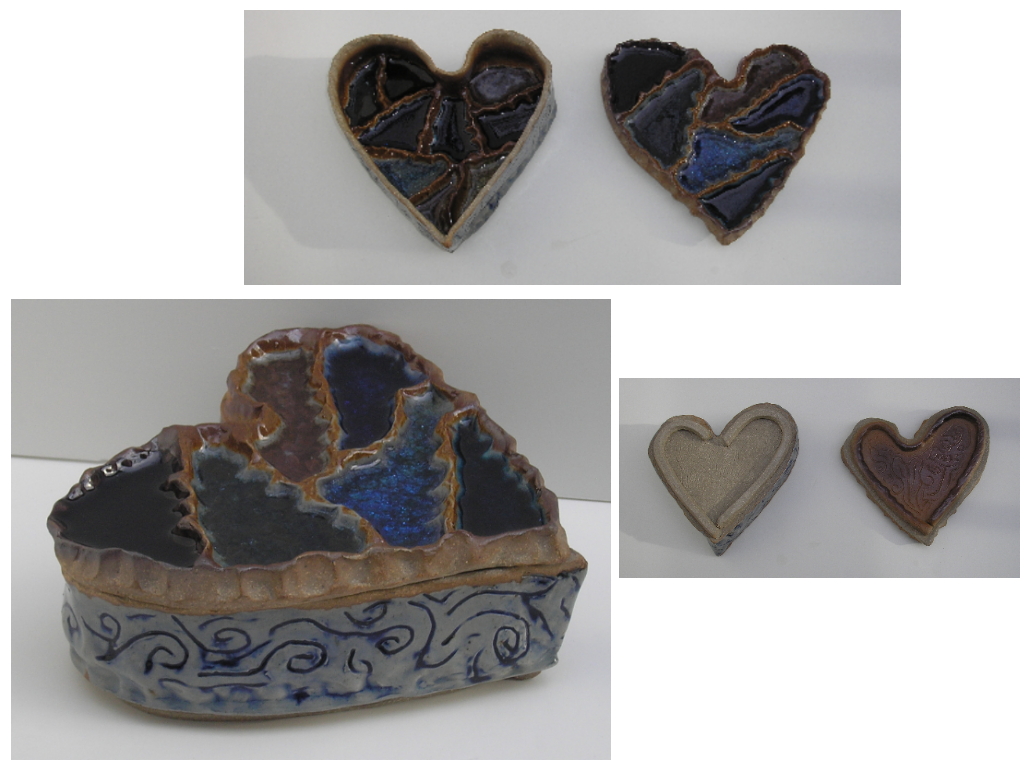
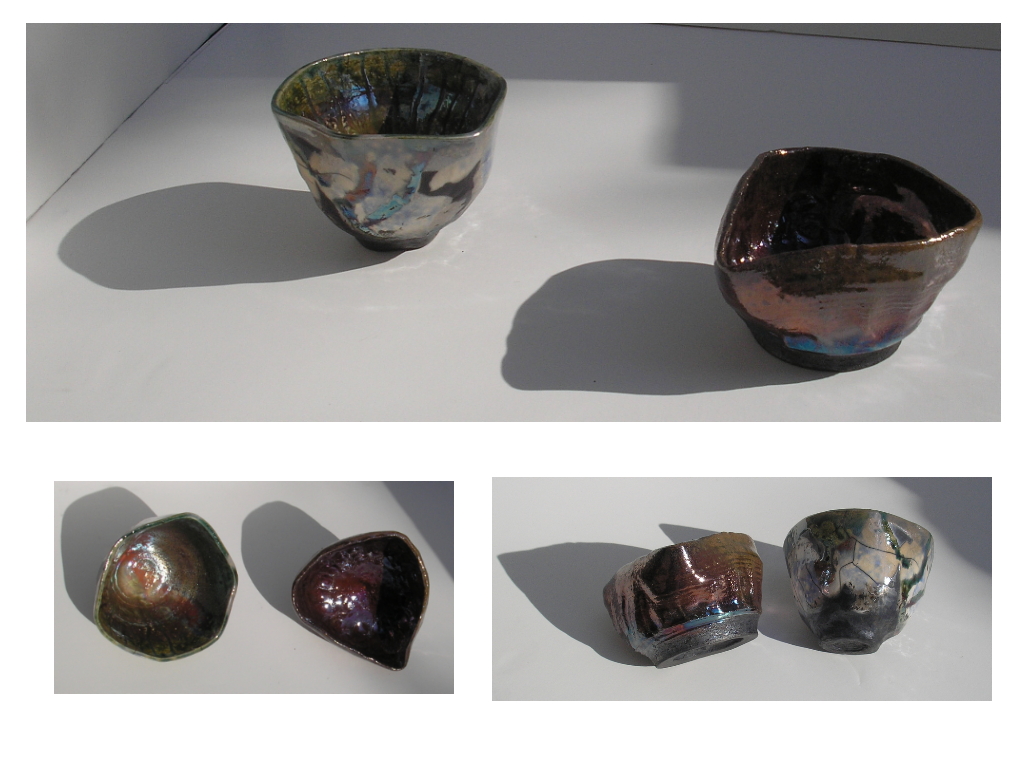
Above is the very first project that I made in Adobe InDesign. This brochure shows some of the pottery that I have made, and advertises the type of business that at the time I thought I might like to have some day.
On the left is some of the pottery that I have made. I took the pictures with my digital camera, and used a program called Photo Explosion to display different angles of the pieces.
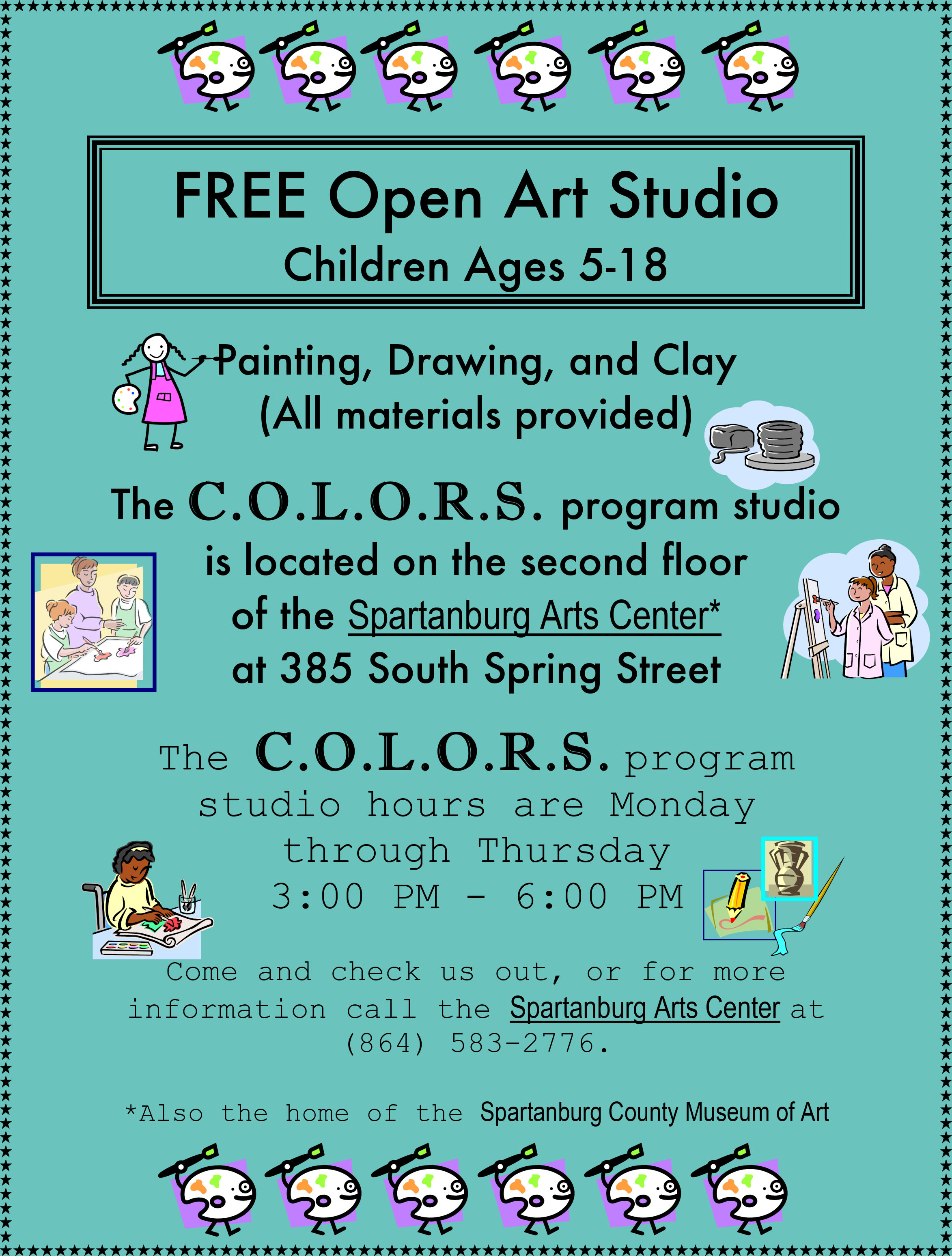
Below that is a document that I made with Microsoft Word to tell people about a free children's art studio, COLORS, for low-income families that I was volunteering at for part of the time that I went to school at Converse College.